
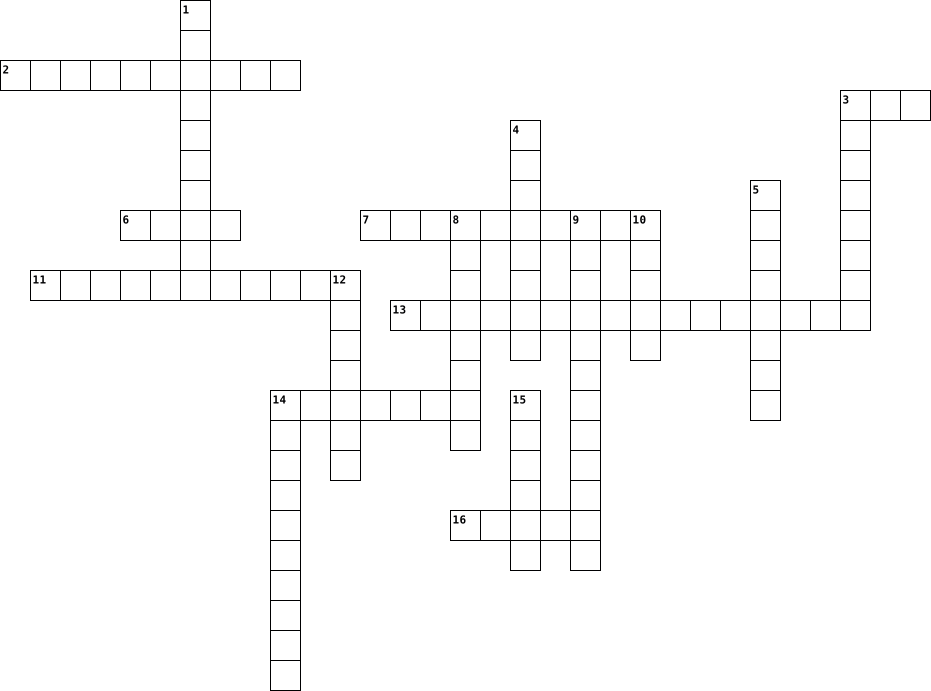
types of computer Crossword Puzzles
Unit 3 Vocab 2024-09-11

Across
- what the software of apps, sited, etc. and other online services does after they have placed a cookie on your device
- a secret combination used to access something
- a person who uses computers to gain unauthorized access to other people's or organizations' devices and data
- the way a window helps people see what is going on outside, transparency is what helps everybody know what apps, games and sites do with their data
- a set of instructions in software code that tells a computer, robot, etc. what to do (the way a cake mix box tell you how to make a cake
- a bit of text that an app or website puts on your phone, tablet, or computer when you visit or use the app
- all the info about you that appears online
- 2 different types of letters you should always use when creating a password
- software that makes machines like a computer, robot ofr digital assistant learn, make guesses, solve problems and talk
Down
- one of the most commonly used passwords (along with 123456)
- a security process where logging in to a service requires two operate steps or two "factors"
- #@$%!&*?/<;=+>
- information that identifies you
- each one is called this, and the more a software has, the better it gets
- protecting people's devices and the software on them
- a form of AI that includes instructions to do things but also keep doing them better as it gets new data that helps it figure out how to
- protecting people's data and personal info
- "information that is digital so it can be seen, used and shared online
- the ideas, opinions, impressions, or beliefs that other people have about you
19 Clues: #@$%!&*?/<;=+> • information that identifies you • protecting people's data and personal info • all the info about you that appears online • a secret combination used to access something • protecting people's devices and the software on them • one of the most commonly used passwords (along with 123456) • ...
computer terms 2016-01-06

Across
- information stored on a computer.
- The screen for viewing computer information
- piece of hardware that will put computer information onto paper
- A box inside the computer case that receives power and converts it to provide power to the motherboard and other installed devices
- program that manages a computer's resources.
- any desktop, laptop, or notebook computer system.
- The physical portion of the computer.
- computer designed to sit in one position on a desk somewhere and not move around.
- A point of attention on the computer screen, of en marked with a flashing line or block
- collection of data, typically organized to make common retrievals easy and efficient.
- To type
Down
- Firmware that can control much of a computer's input/output functions
- removable disk used for storing or transferring information.
- A device for storing and/or retrieving data
- The main board in the computer also called the system board
- Central processing unit. a PC's heart or "brains".
- The device used to run a floppy disk
- Not a mouse with ears but a ..
- the main disk inside a computer used for storing programs and information.
19 Clues: To type • Not a mouse with ears but a .. • information stored on a computer. • The device used to run a floppy disk • The physical portion of the computer. • The screen for viewing computer information • A device for storing and/or retrieving data • program that manages a computer's resources. • any desktop, laptop, or notebook computer system. • ...
Basic Puzzle 2025-04-09

Across
- The brain of a computer
- a Base-16 number system
- the physical structure of a computer
- Connects all the core components to the cpu
- like software but runs directly off of the motherboard and doesn't need an operating system to run
- the basic building block of a computer
- Can be used to operate the computer without an operating system
Down
- Connects external components to the cpu
- a electric device that performs calculations at an incredibly fast rate
- the programs that run on a computer fall under the category of
- an unwanted piece of software that could damage your computer or worse
- The memory of a computer
- Takes a lot of weight off the back of the CPU
- Displaces all of the heat somewhere else
- Temporary memory that clears when the computer shuts off
- Measured in GHz
- Like a human brain made with computers
17 Clues: Measured in GHz • The brain of a computer • a Base-16 number system • The memory of a computer • the physical structure of a computer • the basic building block of a computer • Like a human brain made with computers • Connects external components to the cpu • Displaces all of the heat somewhere else • Connects all the core components to the cpu • ...
Technical English 2022-12-15

Across
- a type of icon.
- a device that creates documents and pictures.
- is the most powerful machine in the world.
- contains the principal components of a computer.
- numbers enter in a computer.
- a device that is used to control a pointer or cursor.
- connected to the internet.
Down
- physical part of a computer.
- the act of protecting information.
- organize files.
- a networking device.
- a device that enters information into a computer.
- uniform resource locate.
- a device that gathers sounds.
- programs/instructions added to computers.
- Dynamic Host Configuration Protocol.
- logical part of a computer.
- a device that displays images.
- a device that reads images and sends them to a computer.
- a local network.
20 Clues: a type of icon. • organize files. • a local network. • a networking device. • uniform resource locate. • connected to the internet. • logical part of a computer. • physical part of a computer. • numbers enter in a computer. • a device that gathers sounds. • a device that displays images. • the act of protecting information. • Dynamic Host Configuration Protocol. • ...
Basic Computer Terms 2025-08-18

Across
- A computer's most basic unit of information
- A peripheral device that converts output from a computer into a printed image
- A deliberately harmful computer program designed to create annoying glitches or destroy data
- A small picture used to represent a file or program in a GUI interface
- A peripheral used to input data by pressing keys
- A peripheral device used to connect one computer to another over a phone line
- A small flexible disk used for storing computer data
- A large structured set of data; a file that contains numerous records that contain numerous fields
- Software provided at no cost to the user
Down
- Small unit of data storage; 8 bits; usually holds one character
- Central processing unit; the brain of the computer; controls the other elements of the computer
- A program used to view World Wide Web pages, such as Netscape Navigator or Internet Explorer
- Network interface card; a board inserted in a computer that provides a physical connection to a network
- A screen in a software program that permits the user to view several programs at one time
- Transferring data from another computer to your computer
- A device used to display information visually
- Any device that holds computer data
- A peripheral device used to point to items on a monitor
- Namable unit of data storage; an element of data storage; a single sequence of bytes
- A part of a program that usually causes the computer to malfunction; often remedied in patches or updates to the program
20 Clues: Any device that holds computer data • Software provided at no cost to the user • A computer's most basic unit of information • A device used to display information visually • A peripheral used to input data by pressing keys • A small flexible disk used for storing computer data • A peripheral device used to point to items on a monitor • ...
Computer Basics 2014-11-04

Across
- What you put in a radio
- inserts ink on a piece of paper from a machine
- Head piece that produces sound
- GUI lets you select icons, text, etc on the screen
- old way to store data
- Winter Foot-ware
- tells computer how to start up to load its operating system
- mouse, scanner, keyboard
- also known as RAM
- CPU for short
- basic computer function when a computer uses information
- Mega-- gig--
- where you keep your belongings
Down
- most important type of system software
- type of storage device
- high speed device that comes in many sizes
- surroundings
- printer, monitor, headphones
- peripheral device with keys
- IT
- a furry small animal that eats berries
- 2 or more computer linked together to share files,software,etc.
- computer talk
- usually on top of a normal printer
- physical parts of the computer
- displays graphics
26 Clues: IT • surroundings • Mega-- gig-- • computer talk • CPU for short • Winter Foot-ware • also known as RAM • displays graphics • old way to store data • type of storage device • What you put in a radio • mouse, scanner, keyboard • peripheral device with keys • printer, monitor, headphones • Head piece that produces sound • physical parts of the computer • where you keep your belongings • ...
Introduction to Computer Vocab 2019-10-24

Across
- Information a computer delivers back to the user.
- Hardware that digitally encodes text, graphics and photographs.
- is used to write data such as the instructions that computer processors use, or the digital text you read every day.
- A base 2 number system invented by Gottfried Leibniz that is made up of only two numbers: 0 and 1.
- Extra memory used for permanent storage.
- A rigid storage device fixed permanently within a computer; Main storage device.
- An alpha-numeric input device; has letters & numbers for communicating with the computer.
- Computer program that contains a set of instructions, allowing the computer to perform tasks.
Down
- An output device that allows the computer to transfer audio files to the user.
- holds memory for short periods of time while a computer is running.
- An input device that allows the user to transfer audio files into the computer.
- Video display screen; the part of the computer that shows you information (looks like a TV screen).
- An electronic device for storing and processing data.
- An output device that transfers data to a paper-based format.
- The physical devices that make up a computer system (the parts you can see and touch).
- Information entered into a computer.
- A hand-held input device; used to make selections in communication with the computer.
- Random Access Memory; The memory that the computer uses to perform its normal activity.
18 Clues: Information entered into a computer. • Extra memory used for permanent storage. • Information a computer delivers back to the user. • An electronic device for storing and processing data. • An output device that transfers data to a paper-based format. • Hardware that digitally encodes text, graphics and photographs. • ...
Introduction to Computer Vocab 2019-10-24

Across
- An input device that allows the user to transfer audio files into the computer.
- The physical devices that make up a computer system (the parts you can see and touch).
- An alpha-numeric input device; has letters & numbers for communicating with the computer.
- Video display screen; the part of the computer that shows you information (looks like a TV screen).
- A rigid storage device fixed permanently within a computer; Main storage device.
- Information a computer delivers back to the user.
- Extra memory used for permanent storage.
- Information entered into a computer.
- An output device that allows the computer to transfer audio files to the user.
- A hand-held input device; used to make selections in communication with the computer.
Down
- An output device that transfers data to a paper-based format.
- holds memory for short periods of time while a computer is running.
- Hardware that digitally encodes text, graphics and photographs.
- is used to write data such as the instructions that computer processors use, or the digital text you read every day.
- Computer program that contains a set of instructions, allowing the computer to perform tasks.
- A base 2 number system invented by Gottfried Leibniz that is made up of only two numbers: 0 and 1.
- An electronic device for storing and processing data.
- Random Access Memory; The memory that the computer uses to perform its normal activity.
18 Clues: Information entered into a computer. • Extra memory used for permanent storage. • Information a computer delivers back to the user. • An electronic device for storing and processing data. • An output device that transfers data to a paper-based format. • Hardware that digitally encodes text, graphics and photographs. • ...
Introduction to Computer Vocab 2019-10-24

Across
- Information a computer delivers back to the user.
- A rigid storage device fixed permanently within a computer; Main storage device.
- Computer program that contains a set of instructions, allowing the computer to perform tasks.
- Extra memory used for permanent storage.
- The physical devices that make up a computer system (the parts you can see and touch).
- Hardware that digitally encodes text, graphics and photographs.
- An input device that allows the user to transfer audio files into the computer.
- A base 2 number system invented by Gottfried Leibniz that is made up of only two numbers: 0 and 1.
- An output device that allows the computer to transfer audio files to the user.
Down
- An electronic device for storing and processing data.
- is used to write data such as the instructions that computer processors use, or the digital text you read every day.
- holds memory for short periods of time while a computer is running.
- Video display screen; the part of the computer that shows you information (looks like a TV screen).
- A hand-held input device; used to make selections in communication with the computer.
- Random Access Memory; The memory that the computer uses to perform its normal activity.
- An alpha-numeric input device; has letters & numbers for communicating with the computer.
- An output device that transfers data to a paper-based format.
- Information entered into a computer.
18 Clues: Information entered into a computer. • Extra memory used for permanent storage. • Information a computer delivers back to the user. • An electronic device for storing and processing data. • An output device that transfers data to a paper-based format. • Hardware that digitally encodes text, graphics and photographs. • ...
ICT VOCABULARy 2024-08-26

Across
- allows you to place data into your computer's clipboard and then insert it elsewhere.
- The physical components of a computer system, such as the monitor, keyboard, and motherboard.
- The process of accessing a computer system or application by entering a username and password.
- A combination of keys that performs a specific action, like copying or saving a document.
- The process of transferring files from your computer to the internet or a server.
- The process of restarting a computer system to fix problems or apply updates
Down
- The action of storing data or documents on a computer or other device.
- To add a file or document to an email or other digital message.
- The act of navigating through websites on the internet.
- A secret word or phrase used to gain access to a system or account
- A unique identifier used to gain access to a computer system, often paired with a password.
- The action of reloading a webpage to see the most current version.
- The process of signing out of a computer system or application to end your session.
- To produce a hard copy of a document or image from a printer.
- the programs and other operating information used by a computer
- duplicating text, data, files, or disks, producing two or more of the same file or segments of data.
- The process of turning off a computer or device safely.
- The process of starting up a computer and loading the operating system.
- The process of transferring data or files from the internet to your computer.
19 Clues: The act of navigating through websites on the internet. • The process of turning off a computer or device safely. • To produce a hard copy of a document or image from a printer. • To add a file or document to an email or other digital message. • the programs and other operating information used by a computer • ...
Notable CS Historical Figures 2023-08-31

Across
- Father of the Modern Computer
- Helped develop the first electro-mechanical computer capable of logic
- created a computer that helped greatly in WWII by cracking codes and computer aircraft courses
- Invented 'binary arithmetic'
- came up with the idea for an electronic computer while in a tavern in Illinois
- Made his fortune by revolutionizing the weaving industry
- invented a code that people later used to send telegraphs
- Helped the US Census count their results in 1/8th of the time
- helped create the Mark I
Down
- helped found Apple
- invented the Sliderule
- created an adding machine to help his father
- helped work on Plankalkül, the first algorithmic programming language
- was a college dropout that earned millions in the computer industry
- created FORTRAN
- invented the first electronic computer
- First Computer Programmer
- helped Bill Gates found Microsoft
- Helped Paul Allen found Microsoft
- Invented Logarithms
20 Clues: created FORTRAN • helped found Apple • Invented Logarithms • invented the Sliderule • helped create the Mark I • First Computer Programmer • Invented 'binary arithmetic' • Father of the Modern Computer • helped Bill Gates found Microsoft • Helped Paul Allen found Microsoft • invented the first electronic computer • created an adding machine to help his father • ...
Hardware Crossword 2025-07-21

Across
- Temporary memory that helps your computer run faster
- Moves the pointer and selects items on screen
- The box that holds all the computer parts
- Creates a paper copy of a document or image
- The brain of the computer
- Output sound from the computer
- Flat surface used to control the pointer (laptop)
- A screen you can touch to interact
- Takes live video or images
- Keeps the computer cool
- A storage device with spinning disks
Down
- Displays computer output on a big screen
- Processes images and video (graphics processing unit)
- The main circuit board that connects all parts
- A fast type of storage with no moving parts
- Displays what the computer is doing
- Copies images or documents to the computer
- Where data is saved permanently
- Captures sound input
- Handheld controller used in gaming
- Used to type letters and numbers
- Personal speakers you wear on your ears
22 Clues: Captures sound input • Keeps the computer cool • The brain of the computer • Takes live video or images • Output sound from the computer • Where data is saved permanently • Used to type letters and numbers • Handheld controller used in gaming • A screen you can touch to interact • Displays what the computer is doing • A storage device with spinning disks • ...
Computer Parts 2021-12-15

Across
- manages computer hardware, software resources, and provides common services for computer programs
- internal card that gives a computer additional capabilities
- houses the primary devices that perform operations for complex calculations
- allows users to interact with electronic devices through graphical icons and audio indicator
- a component that increases the heat flow away from a hot device
- ties the computer's components together at one spot and allows them to talk to each other
- instructions that tell a computer what to do
- memory that can be read and changed in any order
- any auxiliary device that connects to the computer
- a group of computers or other devices interconnected within a single, limited area
- set of rules that determine how data is transmitted between different devices in the same network
- a mechanism that enables a computer to retain data
- ending of a file that helps identify the type of file in operating systems
- provides data and control signals to an processing system
- small digital computers whose CPU is contained on a single integrated semiconductor chip
- a computer that contains tens of thousands of processors
- high-performance computers with large amounts of memory
Down
- an encrypted connection over the Internet from a device to a network
- computer that is between a laptop computer and a smartphone in size
- the physical components of a computer system
- any sequence of one or more symbols
- framework used to describe the functions of a networking system
- a text-based application for viewing, handling, and manipulating files on your computer
- a machine that carries operations automatically
- part that retrieves and executes instructions
- a person who utilizes a computer or network service
- a hardware device which can be used to store data
- stores the operating system, applications, and data files
- the physical and logical relationship of nodes in a network
- a computer or system that provides resources, data, services, or programs to other computers over a network
- an action that a microprocessor performs when it receives information
- a device providing power to electronic equipment
32 Clues: any sequence of one or more symbols • the physical components of a computer system • instructions that tell a computer what to do • part that retrieves and executes instructions • a machine that carries operations automatically • memory that can be read and changed in any order • a device providing power to electronic equipment • ...
Computer Vocabulary 2022-08-16

Across
- a specific computer record
- abbreviation of "universal serial bus"; a standardized connection for attaching devices to computers
- a named location on a computer's hard disk into which you put files
- a copy of files from a computer's hard disk, usually made on some external medium such as CD-ROM or flash drive
- the number of pixels per inch
- world Wide Web
- a self-contained program or piece of software; an application, especially when downloadable to a mobile device
- device inside a computer that creates the image on the screen
- a self-contained program or piece of software
- global network of computers
- an error in a program
- a small, unauthorized program that can damage a computer
- a group of 8 bits
- a way of communicating wirelessly over short distances between electronic devices
- an area that has an available wireless signal for Internet access
- a plastic disk for storing computer information
- a small program that tells a PC how a peripheral works
Down
- any device that is connected externally to a computer
- an operating system used by the majority of PCs
- turning the computer on performs this function.
- information (text, pictures, audio etc) that you create or share on a computer
- software that performs various things, such as writing text
- disk operating system
- the basic software that manages a computer (for example, Windows 10)
- a system for communicating without wires over a computer network
- a program that finds and removes viruses from a computer
- the main disk inside a computer used for storing programs and information
- a small image or picture on a computer screen that is a symbol for folders, disks, peripherals, programs, etc.
- a particular sort of lettering like Arial or Times New Roman
- one dot on the monitor; many dots form an image
- central processing unit
- used for the temporary storing of information while a computer is being used
- messages sent from one computer to another
- a browser is a program used to view and interact with web pages
34 Clues: world Wide Web • a group of 8 bits • disk operating system • an error in a program • central processing unit • a specific computer record • global network of computers • the number of pixels per inch • messages sent from one computer to another • a self-contained program or piece of software • an operating system used by the majority of PCs • ...
Things to Find in a School 2022-04-19

Across
- this machine will often have food and/or drinks, for purchase
- those who manage the school
- type of drill students have to practice at school
- what a student sets their computer or paper on
- those who instruct
- this is where free drinking water is found
- what a student sits on
- what students use to do digital assignments
- things that are often (verbally) made at the beginning of the school day
- some classrooms have these on the walls, although usually when history is taught there
- what blocks the sun from shining in the classroom
- this is needed to project an image on a screen
- writing utensil that leaves marks harder to erase
- type of can/bin where you are not supposed to throw trash
Down
- many classrooms have this instead of or in addition to a projector
- what many classrooms have on the floor
- types of classes that have more options and are not always graduation requirements
- (2 words) what keeps the room cool
- what a teacher will often stand in front of and lean on when teaching
- (2 words) is not usually used for classwork, but students carry them anyway
- those who help with student schedules
- writing utensil that has lead
- probably still the best medium for practicing/learning math
23 Clues: those who instruct • what a student sits on • those who manage the school • writing utensil that has lead • (2 words) what keeps the room cool • those who help with student schedules • what many classrooms have on the floor • this is where free drinking water is found • what students use to do digital assignments • what a student sets their computer or paper on • ...
Computer Terms by Jacob Padgett 2015-01-28

Across
- disk drive hardware device that reads data storage information. It was invented in 1967 by a team at IBM and was one of the first types of hardware storage that could read/write a portable device. FDDs are used for reading and writing on removable floppy discs
- a panel of keys that operate a computer or typewriter
- The programs, routines, and symbolic languages that control the functioning of the hardware and direct its operation
- video disk drive dvd
- disk drive compact disc read-only memory in Technology Expand. storage. (CD-ROM) A non-volatile optical data storage medium using the same physical format as audio compact discs, readable by a computer with a CD-ROM drive
- board a printed circuit board containing the principal components of a computer or other device, with connectors into which other circuit boards can be slotted
- Of or relating to recorded, transmitted, or reproduced sound
- Motherboard the main circut in a pc
Down
- disk drive the mechanism that controls the positioning, reading, and writing of the hard disk, which furnishes the largest amount of data storage for the PC.
- system Software designed to control the hardware of a specific data-processing system in order to allow users and application programs to make use of it.
- Computers A computer and the associated physical equipment directly involved in the performance of data-processing or communications functions
- video display or speaker used in a production studio to check audio or video quality
- a hand-operated electronic device that controls the coordinates of a cursor on your computer screen as you move it around on a pad; on the bottom of the device is a ball that rolls on the surface of the pad; "a mouse takes much more room than a trackball'
- a thin metal sheet enclosure that houses the motherboard,
14 Clues: video disk drive dvd • Motherboard the main circut in a pc • a panel of keys that operate a computer or typewriter • a thin metal sheet enclosure that houses the motherboard, • Of or relating to recorded, transmitted, or reproduced sound • video display or speaker used in a production studio to check audio or video quality • ...
Tech Word 2018-09-19

Across
- a programming site
- the computer screen
- one million bytes also known as MiB
- cycle- the steps performed by a computer processing unit
- the computer hardware
- news or programming
- a control stick
- a computer software
- microsoft disc operating system
- a controller for the cursor
- a section of windows software (your computer)
- downloading a different software on device
- combining multiple files
Down
- page borders
- receives sound (mic)
- programming language site
- an image format
- the main computing hardware in a computer
- the page that you open up to
- my channel architecture
- the storage on a computer
- the operating system for Macintosh
- bar a list of different applications
- Server a server that receives mail
- making space on file
- a piece of hardware that connects a computer to the network
- Address the address for a website
27 Clues: page borders • an image format • a control stick • a programming site • the computer screen • news or programming • a computer software • receives sound (mic) • making space on file • the computer hardware • my channel architecture • combining multiple files • programming language site • the storage on a computer • a controller for the cursor • the page that you open up to • ...
Computer Terms Crossword 2023-09-15

Across
- created and released and created in 1997
- Video camera
- "Having a computer in your pocket"
- efers to the scammer “Fishing” for personal information.
- an electronic device that manipulates information, or data
- A device that forwards data packets to the appropriate parts of a computer network.
- 🔥🧱
- The brain of the computer
- ⏰📥
- Transferring info into and out of the computer
- Not looking true to a picture
- New type of computer
- Answers to your questions
Down
- Type of security system
- Popular _____ is Google
- Global network that has lots of data
- small blocks of data
- a physical thing which is why it can be a phone, a laptop a USB, an XBOX and an Ipad.
- Invented by Christopher Sholes
- Data Storage
- Stores data
- More practical type of computer
- Tells the hardware what to do
- Links to devices around the area
- ☁ A type of storage
25 Clues: 🔥🧱 • ⏰📥 • Stores data • Video camera • Data Storage • ☁ A type of storage • small blocks of data • New type of computer • Type of security system • Popular _____ is Google • The brain of the computer • Answers to your questions • Tells the hardware what to do • Not looking true to a picture • Invented by Christopher Sholes • More practical type of computer • Links to devices around the area • ...
Computer Terms Crossword 2023-09-15

Across
- created and released and created in 1997
- Video camera
- "Having a computer in your pocket"
- efers to the scammer “Fishing” for personal information.
- an electronic device that manipulates information, or data
- A device that forwards data packets to the appropriate parts of a computer network.
- 🔥🧱
- The brain of the computer
- ⏰📥
- Transferring info into and out of the computer
- Not looking true to a picture
- New type of computer
- Answers to your questions
Down
- Type of security system
- Popular _____ is Google
- Global network that has lots of data
- small blocks of data
- a physical thing which is why it can be a phone, a laptop a USB, an XBOX and an Ipad.
- Invented by Christopher Sholes
- Data Storage
- Stores data
- More practical type of computer
- Tells the hardware what to do
- Links to devices around the area
- ☁ A type of storage
25 Clues: 🔥🧱 • ⏰📥 • Stores data • Video camera • Data Storage • ☁ A type of storage • small blocks of data • New type of computer • Type of security system • Popular _____ is Google • The brain of the computer • Answers to your questions • Tells the hardware what to do • Not looking true to a picture • Invented by Christopher Sholes • More practical type of computer • Links to devices around the area • ...
Computer Terms Crossword 2023-09-15

Across
- created and released and created in 1997
- Video camera
- "Having a computer in your pocket"
- efers to the scammer “Fishing” for personal information.
- an electronic device that manipulates information, or data
- A device that forwards data packets to the appropriate parts of a computer network.
- 🔥🧱
- The brain of the computer
- ⏰📥
- Transferring info into and out of the computer
- Not looking true to a picture
- New type of computer
- Answers to your questions
Down
- Type of security system
- Popular _____ is Google
- Global network that has lots of data
- small blocks of data
- a physical thing which is why it can be a phone, a laptop a USB, an XBOX and an Ipad.
- Invented by Christopher Sholes
- Data Storage
- Stores data
- More practical type of computer
- Tells the hardware what to do
- Links to devices around the area
- ☁ A type of storage
25 Clues: 🔥🧱 • ⏰📥 • Stores data • Video camera • Data Storage • ☁ A type of storage • small blocks of data • New type of computer • Type of security system • Popular _____ is Google • The brain of the computer • Answers to your questions • Tells the hardware what to do • Not looking true to a picture • Invented by Christopher Sholes • More practical type of computer • Links to devices around the area • ...
Technology B1 2025-11-13

Across
- To send data or files from your computer to the internet.
- A small, flat, round object used to store data or music.
- To start a machine or device so it begins to work.
- A machine that makes a paper copy of text or pictures from your computer.
- To send a written message using a mobile phone.
- A software application designed to perform a specific function on a smartphone or tablet.
- To press a button on a mouse to select something on a computer screen.
- A message sent electronically through the internet.
- A portable device used to make calls, send messages, and use apps.
- To stop a machine or device from working.
- The flat surface on a computer, phone, or tablet where images and text appear.
Down
- The physical parts of a computer, like the screen, keyboard, and mouse.
- A portable computer you can carry and use anywhere.
- The programs and applications that make a computer work.
- To copy data from the internet to your computer or device.
- program – A set of instructions that tells a computer what to do.
- To put a program or app onto a computer or phone so it can be used.
- The part of a computer with keys you press to type letters and numbers.
- A small device that you move with your hand to control the cursor on a computer screen.
19 Clues: To stop a machine or device from working. • To send a written message using a mobile phone. • To start a machine or device so it begins to work. • A portable computer you can carry and use anywhere. • A message sent electronically through the internet. • The programs and applications that make a computer work. • ...
Information and Communication Technology 2023-02-23

Across
- - The practice of protecting computer systems and networks from digital attacks.
- - A security system that monitors and controls incoming and outgoing network traffic.
- - Programs and applications that run on a computer or mobile device.
- - Software designed to harm computer systems or steal data.
- system - The software that manages a computer's basic functions, such as memory and file systems.
- computing - A model for delivering computing resources over the internet.
- - An input device used for moving the cursor on a computer screen.
- - A device used for processing data and running programs.
- - The process of designing and writing code for software applications.
- - An output device that prints text and images on paper.
Down
- - An input device used for typing text and commands.
- - A type of malicious software that can damage or disrupt computer systems.
- - A structured collection of data that is stored and organized in a computer.
- - A global network of interconnected computer networks.
- - A device that connects multiple devices to a network and directs traffic between them.
- - A device that connects a computer to the internet.
- - The process of converting data into a code to prevent unauthorized access.
- - The physical components of a computer system, such as the CPU, hard drive, and motherboard.
- - A step-by-step procedure for solving a problem or accomplishing a task.
- - An output device that displays images and text.
20 Clues: - An output device that displays images and text. • - An input device used for typing text and commands. • - A device that connects a computer to the internet. • - A global network of interconnected computer networks. • - An output device that prints text and images on paper. • - A device used for processing data and running programs. • ...
Crossword Puzzle Per.1 2016-02-08

Across
- coding error in a computer
- an act or instance of booting a computer system again
- a type of compact disc able to store large amounts of data
- ordered list containing successive steps or functions for performing certain actions
- processes the same information over and over until receives order to stop
- Information that is put into a computer by using data to put in
- symbols and rules that a computer uses to know what to do
- a process or set of rules
- drive a high-capacity, self-contained storage device containing a read-write mechanism plus one or more hard disks, inside a sealed unit
Down
- to place a video from one website into another site
- to detect or remove computer error
- the programs and other operating information used by a computer
- processes by and sent out from a computer or similar device
- subject to one or more conditions or requirements being met
- when we break a problem down into smaller parts to make it easier to tackle
- the electronic circuitry within a computer that carries out the instructions of a computer program by performing the basic arithmetic
- a term used to describe the process of a programmer
- and object that is capable of manipulating a value
- entered by terminal for immediate processing by the computer
- used primarily in business and legal writing
20 Clues: a process or set of rules • coding error in a computer • to detect or remove computer error • used primarily in business and legal writing • and object that is capable of manipulating a value • to place a video from one website into another site • a term used to describe the process of a programmer • an act or instance of booting a computer system again • ...
Lesson Two Vocabulary Crossword 2021-09-03

Across
- A group of tiny transistors and electric wires built on a silicon wafer, or chip.
- A system that uses marks or sticks for counting.
- The length of time between the end of one news broadcast or delivery and the beginning of the next.
- An instrument used to perform calculations by sliding rings or beads along rods inside a frame.
- The largest, most powerful type of computer; generally used in scientific, engineering, and military fields, including space programs and weather forecasting.
- A device or computer connected to a multi-user computer such as a minicomputer or mainframe computer.
- A computer designed to be used by one person at a time; the acronym PC is sometimes used to refer to IBM PCs and "compatibles" to distinguish them from Apple computers.
- The length of time a person can concentrate on a single activity, idea, or task.
- A single-user computer more powerful than a microcomputer; commonly used by engineers, scientists, and graphic artists.
- Wooden or cardboard pieces with punched holes in predefined positions; used to store and process information in early calculating and computer devices.
- An early form of electrical memory using glass bulbs.
- A midsize, multi-user computer; more powerful than a workstation or personal computer but less powerful than a mainframe computer.
- The separation of a person from the rest of a group or society.
- The size and shape of a computer or device.
- A single-user computer that comes in many forms, such as a desktop model, a portable laptop/notebook, or a handheld computer; also called a personal computer.
Down
- A system with two numeric values of 0 and 1, which are also referred to as off or on.
- A large, multi-user computer commonly used in large businesses and government agencies; more powerful than a minicomputer.
- A group of computers working together to share resources.
- A small, lightweight, portable microcomputer with an attached flat screen
- A single character in a number system.
- Describes something that relies on an electronic signal (electrical pulse) used to transmit information in the form of binary digits.
- A system with 10 numeric values, 0 through 9.
- A device that integrates a cell phone with the features of a PC, such as the ability to store information, receive email, and install programs.
- An instrument or machine that gathers, processes, and stores information.
24 Clues: A single character in a number system. • The size and shape of a computer or device. • A system with 10 numeric values, 0 through 9. • A system that uses marks or sticks for counting. • An early form of electrical memory using glass bulbs. • A group of computers working together to share resources. • The separation of a person from the rest of a group or society. • ...
TMS TSDE 1st 6 Weeks 2023-09-12

Across
- Any piece of computer hardware used to provide data to the computer (keyboard).
- Chrome, Firefox, Safari, Edge
- someone who is an expert at computer programming andwho is able to solve computer problems, but also means someone who illegally gains access to others’ computer for their own profits.
- asdfjkl;
- components.
- someone that seeks contact with children and adolescents on the internet.
- a term used for a billion.
- microprocessor which calculates all the data going through a personal computer.
Down
- crime which occurs when someone’s personal and financial information is stolen.
- main circuit board inside personal computers which holds the majority of
- use of computers, cell phones or other electronic devices to deliberately and repeatedly harm another person through the Internet.
- a computer designed for general use by a single person.
- main storage device of a computer
- computer program which replicates and spreads itself from one computer to another computer.
- Physical parts of a computer; he parts you can touch.
- memory, which temporarily stores computer information; working memory.
16 Clues: asdfjkl; • components. • a term used for a billion. • Chrome, Firefox, Safari, Edge • main storage device of a computer • Physical parts of a computer; he parts you can touch. • a computer designed for general use by a single person. • memory, which temporarily stores computer information; working memory. • ...
Vocabulary Crossword Puzzle 2017-06-21

Across
- combined device for modulation and demodulation.
- flash drive-an external flash drive, that can be used with any computer that has a USB port.
- computer and storage device dedicated to storing files.
- a massive network of networks, a networking infrastructure.
- collection of physical parts of a computer system.
- an instrument or device used for observing, checking, or keeping a continuous record of a process or quantity.
- System- the software that supports a computer’s basic functions.
- storage space that many files can be placed into to group them together and organize the computer.
- Wide Web-a system of Internet servers that support specially formatted documents.
- Copy-a printed copy of information from a computer.
- (data) from one computer system to another, typically over the Internet.
- - an electronic device for storing and processing data.
- an image that represents an application.
- system designed to prevent unauthorized access to or from a private network.
Down
- occurs when a software application or an operating system, stops functioning properly and exits.
- brains of the computer where most calculations take place.
- small handheld device that is dragged across a flat surface to move the cursor on a computer screen.
- type of malicious software program ("malware") that, when executed, replicates itself by modifying other computer programs and inserting its own code.
- A client software program that runs against a Web server or other Internet server and enables a user to navigate the World Wide Web.
- panel of keys that operate a computer or typewriter.
- or inappropriate messages sent on the Internet to a large number of recipients.
- reference to a computer system) boot or be booted again.
- is an operating system (OS) or application environment that is installed on software, which imitates dedicated hardware.
- working surface of a desk.
- small text file (up to 4KB) created by a website that is stored in the user's computer.
- file is an object on a computer that stores data, information, settings, or commands.
26 Clues: working surface of a desk. • an image that represents an application. • combined device for modulation and demodulation. • collection of physical parts of a computer system. • Copy-a printed copy of information from a computer. • panel of keys that operate a computer or typewriter. • computer and storage device dedicated to storing files. • ...
Computer Parts 2024-05-16

Across
- allows the user to record sounds as input to their computer
- a pressure-sensitive and motion sensitive device used in place of a mouse on a laptop
- display screen to provide “output” to the user
- a computer’s temporary memory
- main printed circuit board (PCB) in a computer
- output device that produces a hard copy on paper
- contains the major components of the computer
- connects the speakers and microphone to the compute
- circuit board that connects the computer to a router or network
Down
- connects the computer to the monitor
- provides power to the computer
- physical parts of the computer
- reads data that has been stored on the CD/DVD
- used to control the on-screen pointer
- programs/apps that tell the computer what to do
- used to type/enter information into the computer
- chip that interprets and executes program instructions
- used to generate or reproduce voice, music, and other sounds
- magnetic storage device in the computer
19 Clues: a computer’s temporary memory • provides power to the computer • physical parts of the computer • connects the computer to the monitor • used to control the on-screen pointer • magnetic storage device in the computer • reads data that has been stored on the CD/DVD • contains the major components of the computer • display screen to provide “output” to the user • ...
digi tech 2019-03-12

Across
- Anything that comes out of a computer
- something relating to a device that transmits information by discrete numerics
- a panel of keys that let you operate a computer
- a group of binary digits
- a term used to describe the user who is giving vocal commands to a software program
- graphical user interface
- any external device that provides input and output for the computer.
- a collection of fields
- a small handheld device which is moved across a mat or flat surface to move the cursor on a computer screen
- a computer program that is being executed
- a device for examining, reading, or monitoring something
- a form of computer data storage that stores data and machine code currently being used
- a flat panel or area on an electronic device which images and data are displayed
- A graphics program that enables you to _____ pictures
- a person who uses or operates something
Down
- a place where, or a device through which, energy or information enters a system
- A subdivision of a storage device from the user's perspective
- a device or program enabling a user to communicate with a computer
- a computer printer for printing vector graphics
- a combined device for modulation and demodulation
- a digital telecommunications network which allows nodes to share resources
- around 64 _____ are in a byte
- visual art or computer graphics
- a computer resource for recording data discreetly in a computer storage device
- ordered operations for a computer to work
- any physical device capable of storing information temporarily or permanently
- A machine that can be connected to a computer in order to make copies on paper of documents or other information held by the computer.
- computer memory that can permanently store data and applications within it
- a method for delivering information technology (IT) services in which resources are retrieved from the Internet through web-based tools and applications, as opposed to a direct connection to a server
29 Clues: a collection of fields • a group of binary digits • graphical user interface • around 64 _____ are in a byte • visual art or computer graphics • Anything that comes out of a computer • a person who uses or operates something • ordered operations for a computer to work • a computer program that is being executed • a computer printer for printing vector graphics • ...
Ziaul Crossword 2024-12-03

Across
- attackers who do not report problems, but instead disseminate the information to other black hat attackers
- prevents people from using eavesdropping technology, such as a protocol analyzer (packet sniffer), to capture packets
- memory is disk storage used when there is not enough RAM for a particular operation or for all processes currently in use
- is a series of letters, numbers, and special characters, much like a password, that two communicating devices use to authenticate each other’s identity.
- protocols used by OSs and network devices offer varying levels of secure authentication
- is a document that describes the rules governing access to an organization’s information resources, enforcement of these rules, and steps taken if rules are breached
- requires a user to supply two or more types of authentication drawn from these credential categories:
Down
- used in encryption and authentication protocols that identify a person or computer and can be verified by a certification authority
- Wizard guides you through the process of selecting the type of rule you want to create and the protocols or applications that the rule will apply to
- Authentication Protocol (PAP)
- or server is not communicating with certain applications or services, the protocol might be blocked
- firewall creates a barrier between networks so that potentially harmful packets can’t enter or leave the protected networks
- the information that is swapped back and forth from RAM to disk and vice versa is stored in a specially allocated disk area called
- that creates a barrier between a computer OS and the network so potentially harmful packets can’t enter or leave the OS.
- – backs up the disk sector by sector to create an exact image of the disk’s contents
- distributions have a built-in firewall called netfilter
- testers who are paid to probe networks and OSs and report vulnerabilities to the OS vendor.
- can also be secured with encryption to prevent someone who has gained physical access to a computer from being able to use the data
- Defender Firewall is enabled and configured with default settings
- can be restricted to logging on only from particular workstations
20 Clues: Authentication Protocol (PAP) • distributions have a built-in firewall called netfilter • Defender Firewall is enabled and configured with default settings • can be restricted to logging on only from particular workstations • – backs up the disk sector by sector to create an exact image of the disk’s contents • ...
COMPUTER 2020-10-18
Across
- PRESENTATION SOFTWARE
- RECEIVES AND PROCESSES THE INPUT SIGNALS
- MOVING THE MOUSE WHILE PRESSING LEFT BUTTON
- USE TO STORE DATA
- STUDY OF ETHICS PERTAINING TO COMPUTER
- WEB BROWSER
- SEND SIGNAL TO COMPUTER TO DISPLAY
- SEND SIGNAL THROUGH CLICKING
Down
- REFERS TO COMPUTER USERS
- ELECTRONIC DEVICE THAT PROCESSES INFORMATION
- THE PHYSICAL PARTS OF THE COMPUTER
- SEND SIGNALS THROUGH TYPING
- APPLICATIONS ALSO KNOWN AS THE PROGRAM
- ACCESSING COMPUTER WITHOUT PERMISSION
- SPREADSHEET SOFTWARE
- SEND SIGNAL THROUGH SCANNING
- SEND SOUND SIGNAL OF YOUR VOICE
- CONSIST OF RINGS THAT SLIDE OVER RODS
18 Clues: WEB BROWSER • USE TO STORE DATA • SPREADSHEET SOFTWARE • PRESENTATION SOFTWARE • REFERS TO COMPUTER USERS • SEND SIGNALS THROUGH TYPING • SEND SIGNAL THROUGH SCANNING • SEND SIGNAL THROUGH CLICKING • SEND SOUND SIGNAL OF YOUR VOICE • THE PHYSICAL PARTS OF THE COMPUTER • SEND SIGNAL TO COMPUTER TO DISPLAY • ACCESSING COMPUTER WITHOUT PERMISSION • CONSIST OF RINGS THAT SLIDE OVER RODS • ...
Peripherals 2015-10-14

Across
- A CD-ROM is both input and ________ peripherals.
- A __________ device connects to a computer system to add functionality
- ________ peripherals are directly connected to the motherboard using one of the different types of slots on the motherboard.
- A wireless cable, __________ is good for short distances.
- ___________ are used in many systems including security, temperature control, motion and eye tracking.
- ____________ devices send signals into the computer that have to be interpreted by the operating system using drivers.
Down
- A common input device that uses a QWERTY system.
- Another common output device, __________, print out very thin layers of plastic one layer at a time to build up a 3D object.
- A wireless cable, ____________ is good for longer distances.
- __________ peripherals can be connected with a wired connection or wireless connection.
- ___________ normally connect through HDMI or VGA cables.
- A common output device, _______, that makes use of LED or LCD technology.
12 Clues: A common input device that uses a QWERTY system. • A CD-ROM is both input and ________ peripherals. • ___________ normally connect through HDMI or VGA cables. • A wireless cable, __________ is good for short distances. • A wireless cable, ____________ is good for longer distances. • A __________ device connects to a computer system to add functionality • ...
Computer Definitions 2026-02-12

Across
- A hand held pointing device that’s two dinemsional motion relative to surface
- The function of a computer holding data short term or long term between the processor and primary storage
- A folder is a storage space, where many files can be placed into groups and organize the computer.
- any system that connects two or more computers or devices to share data, resources, and services.
- A computer recorder is a system that uses a high-capacity hard disk to record digital audio or digital video.
- a shared boundary across which two or more separate components of a computer system exchange information.
- Is the instance of computer program that is being executed by one or many threads
- a non-volatile computer memory type that stores permanent, unalterable data, often used to hold essential boot instructions like BIOS
- a person who uses a computer or network service.
- an external hardware device connected to a computer or network that produces a physical copy (hard copy) of text or graphics on paper, film, or other materials
- A short term memory where data is stored as the processor needs it
- A computer program is a sequence or set of instructions in a programming language for a computer to execute
- a visual, interactive system for human-computer interaction that allows users to operate devices, apps, or websites by manipulating graphical elements
- remote, internet-based data storage and computing services rather than local hardware
- Digital computer, any of a class of devices capable of solving problems by processing information in discrete form.
Down
- an output hardware device that connects to a computer to generate, amplify, and emit sound.
- The modem is defined as a networking device that is used to connect devices connected in the network to the internet.
- A unit of digital information consisting of 8 bits
- an output device used for producing high-quality, large-scale vector graphics, engineering drawings, or blueprints by controlling a drawing tool
- an external device that connects to a computer to expand its capabilities.
- any data, information, or signals processed by a computer and sent out to a user or another device
- a visual display device
- input device used to enter text, numbers, and symbols, or to trigger commands on a computer or digital device
- a device that allows you to digitize physical documents, images, or even objects, and convert them into a digital format that can be viewed, edited, and stored on a computer.
- The persistent collection of data stored on a computer, treated as a single unit by the operating system
- a digital graphics program or a specific action within one
- relating to visual art or computer graphics.
- any data, command, or signal sent from an external source (like a user or sensor) to the computer system for processing
- A computer bit is the smallest, most basic unit of data in computing and digital communications.
29 Clues: a visual display device • relating to visual art or computer graphics. • a person who uses a computer or network service. • A unit of digital information consisting of 8 bits • a digital graphics program or a specific action within one • A short term memory where data is stored as the processor needs it • ...
ICT project 2021-12-04

Across
- the software that supports a computer's basic functions, such as scheduling tasks, executing applications, and controlling peripherals.
- a circuit board that can be inserted in a computer to give extra facilities or memory.
- the part of a computer that houses the primary devices that perform operations and produce results for complex calculations
- a visual way of interacting with a computer using items such as windows, icons, and menus, used by most modern operating systems.
- a device or substance for absorbing excessive or unwanted heat.
- a printed circuit board containing the principal components of a computer or other device, with connectors into which other circuit boards can be slotted
- the programs and other operating information used by a computer
- is the hardware in a computing device where the operating system (OS), application programs and data in current use are kept
- used to enter information and instructions into a computer for storage or processing and to deliver the processed data to a human operator
- a computer network that links devices within a building or group of adjacent buildings.
- is an established set of rules that determine how data is transmitted between different devices in the same network
- the retention of retrievable data on a computer or other electronic system; memory
- a group of letters occurring after a period in a file name, indicating the format of the file.
- computer hardware which is used to enter data for processing.
- a small computer that contains a microprocessor as its central processor
- a particularly powerful mainframe computer
- high-performance computers with large amounts of memory and processors that process billions of simple calculations and transactions in real time.
Down
- a method employing encryption to provide secure access to a remote computer over the internet.
- computer that is intermediate in size between a laptop computer and a smartphone.
- tools, machinery, and other durable equipment
- facts and statistics collected together for reference or analysis
- is a conceptual model that characterises and standardises the communication functions of a telecommunication or computing system without regard to its underlying internal structure and technology.
- connects a user to a computer program or operating system
- an electronic device for storing and processing data typically in binary form, according to instructions given to it in a variable program
- the part of a computer in which operations are controlled and execute
- a person who uses or operates something, especially a computer or other machine
- to the use of recording media to retain data using computers or other devices
- a high-capacity, self-contained storage device containing a read-write mechanism plus one or more hard disks, inside a sealed unit. Also called hard disk drive.
- which studies how spaces are organized and how they are structured in terms of position.
- a computer or computer program which manages access to a centralized resource or service in a network
- perform a series of mechanical or chemical operations on (something) in order to change or preserve it
- a device providing power to electronic equipment and sometimes designated
32 Clues: a particularly powerful mainframe computer • tools, machinery, and other durable equipment • connects a user to a computer program or operating system • computer hardware which is used to enter data for processing. • a device or substance for absorbing excessive or unwanted heat. • the programs and other operating information used by a computer • ...
Computer Vocab 2020-02-24

Across
- Picture or an image
- the small symbol that represents a application
- The main computer screen
- A secure code to protect data
- Frequently Asked Questions
- how the computer stores data
- what you first see when you open a web browser
- Picture that pops up when you are not using the computer
- The address of a website
- A menu of options when clicked
- Connected to one another like a web
- an extra copy of a file or document
- quick way to file or program
- A picture for your desktop
Down
- copying something from the internet to your computer
- The bar at the bottom of the screen
- A computer program
- Information stored on a computer
- Unwanted emails
- a way to access the internet
- A way to message on computers
- Hold click on something to move it
- small blinking line that shows you where your next typed letter or number will go.
- a software that harms computer
- The person using a computer
- The internet
- Username and password to get access to a computer
27 Clues: The internet • Unwanted emails • A computer program • Picture or an image • The main computer screen • The address of a website • Frequently Asked Questions • A picture for your desktop • The person using a computer • a way to access the internet • how the computer stores data • quick way to file or program • A secure code to protect data • A way to message on computers • ...
Computer pioneers/terms crossword: 2015-06-03

Across
- basic unit of programmable color on computer.
- a network that became the basis of the internet.
- A unit of memory size.
- generic term for names/addresses on WWB
- Co-author of Mosaic, first WWB.
- Invented first successful computer Altair 8800
- Personal computers designed from Apple.
- co-inventor of the USB
- language designed to introduce students to programming.
- Electronic circuit formed on semiconducting material.
- Integrated circuit, contains functions of CPU.
- co-developing the basic programming language.
- Envisioned the world wide web.
- First integrated circuit.
- scheme with two values for each digit.
- Is used to connect devices to a computer.
- Electrically connects electronic components using conductive tracks.
- Is a human-computer interface.
- first general purpose electronic computer, called ENIAC.
- Invented the first programmable computer.
- Is one of the inventors of the microprocessor.
- Data model storage in logical pools.
- machine-readable code used for storing information.
- Combined device for modulation and demodulation.
- the computer keyboard and PC monitor.
Down
- The father of video games.
- programming language to create electronic documents online.
- Invented the printed circuit board.
- Created the first computer game OXO
- Computer program that accesses services in networks.
- inventor of Pong, father of electronic games.
- Hobbyist group, several high-profile hackers emerged
- Semiconductor device with three connections.
- Most calculations take place in here.
- Invented the first electronic digital computer.
- Part first general purpose computer, ENIAC.
- a high-capacity, self-contained storage.
- Computers and other digital devices.
- co-developed the BASIC programming language.
- Transforms code in programming into another language.
- Inventor of the world wide web.
- Invented the first transistor.
- Pre-pressed optical compact disc, contains data.
- Father of the field of computer science
44 Clues: A unit of memory size. • co-inventor of the USB • First integrated circuit. • The father of video games. • Envisioned the world wide web. • Is a human-computer interface. • Invented the first transistor. • Co-author of Mosaic, first WWB. • Inventor of the world wide web. • Invented the printed circuit board. • Created the first computer game OXO • ...
Computer Vocabulary Assignment 2012-10-08

Across
- 8 units supplied together
- a software allowing people to search stuff online
- the screen in which documents and stuff may be deleted, processed.
- something connected by the CPU of the computer
- system something that operates and controls the scheduling of other websites
- it's the key component in the computer world
- device a device that transfers data into the computer
- computer memory in which directions or instructions on the computer are stored
Down
- supplies data
- code system of letters, numbers, and characters using the binary code
- tools to help you work
- what your computer will do when you tell it not to do something else
- a board that contains other boards
- something used for specifying searches online
- address numeric code that identifies all computers connected to the internet
- programs used to direct the computer
- usually for a monthly fee, it's a provider that will give you e-mail and internet
- device equipment used to transfer data out of the computer
- a net-like combination
- the computer memory
20 Clues: supplies data • the computer memory • tools to help you work • a net-like combination • 8 units supplied together • a board that contains other boards • programs used to direct the computer • it's the key component in the computer world • something used for specifying searches online • something connected by the CPU of the computer • ...
Computer Vocabulary 2020-03-11

Across
- Passive form of cooling
- Distributor of computer hardware
- a device that you connect to a home entertainment system
- a small device able to be connected to and used with a computer
- Provides input and output of audio signals to and from a computer under control of computer programs
- a unit of information equal to one million
- Provides additional features to a computer such as video, sound, advanced graphics, Ethernet or memory
- a hardware component that supplies power to an electrical device
- Central Processing unit
Down
- The most essential parts of a computer system
- an abbreviation for Peripheral Component Interconnect
- Used to measure the transmission speed of electronic devices, including channels, buses and the computer's internal clock
- Self-contained storage device containing a read-write mechanism plus one or more hard disks, inside a sealed unit
- Random-access memory
- a unit of measurement for alternating current or electromagnetic
- One of the most common forms of network cable used on wired networks
- Generates a feed of output images to a display device
- Read-only memory
- Electronic device that connects a computer to a computer network
- a facility allowing computers, smartphones, or other devices to connect to the Internet
20 Clues: Read-only memory • Random-access memory • Passive form of cooling • Central Processing unit • Distributor of computer hardware • a unit of information equal to one million • The most essential parts of a computer system • an abbreviation for Peripheral Component Interconnect • Generates a feed of output images to a display device • ...
Computer Vocabulary 2020-03-11

Across
- Random-access memory
- a facility allowing computers, smartphones, or other devices to connect to the Internet
- Provides additional features to a computer such as video, sound, advanced graphics, Ethernet or memory
- Passive form of cooling
- a unit of information equal to one million
- a unit of measurement for alternating current or electromagnetic
- Electronic device that connects a computer to a computer network
- Self-contained storage device containing a read-write mechanism plus one or more hard disks, inside a sealed unit
- a device that you connect to a home entertainment system
Down
- a hardware component that supplies power to an electrical device
- an abbreviation for Peripheral Component Interconnect
- Generates a feed of output images to a display device
- a small device able to be connected to and used with a computer
- Provides input and output of audio signals to and from a computer under control of computer programs
- One of the most common forms of network cable used on wired networks
- Used to measure the transmission speed of electronic devices, including channels, buses and the computer's internal clock
- Distributor of computer hardware
- The most essential parts of a computer system
- Read-only memory
- Central Processing unit
20 Clues: Read-only memory • Random-access memory • Passive form of cooling • Central Processing unit • Distributor of computer hardware • a unit of information equal to one million • The most essential parts of a computer system • an abbreviation for Peripheral Component Interconnect • Generates a feed of output images to a display device • ...
Computer Terms by Jacob Padgett 2015-01-28

Across
- disk drive compact disc read-only memory in Technology Expand. storage. (CD-ROM) A non-volatile optical data storage medium using the same physical format as audio compact discs, readable by a computer with a CD-ROM drive
- video disk drive dvd
- a hand-operated electronic device that controls the coordinates of a cursor on your computer screen as you move it around on a pad; on the bottom of the device is a ball that rolls on the surface of the pad; "a mouse takes much more room than a trackball'
- The programs, routines, and symbolic languages that control the functioning of the hardware and direct its operation
- Computers A computer and the associated physical equipment directly involved in the performance of data-processing or communications functions
- a panel of keys that operate a computer or typewriter
- Of or relating to recorded, transmitted, or reproduced sound
Down
- disk drive hardware device that reads data storage information. It was invented in 1967 by a team at IBM and was one of the first types of hardware storage that could read/write a portable device. FDDs are used for reading and writing on removable floppy discs
- board a printed circuit board containing the principal components of a computer or other device, with connectors into which other circuit boards can be slotted
- video display or speaker used in a production studio to check audio or video quality
- a thin metal sheet enclosure that houses the motherboard,
- disk drive the mechanism that controls the positioning, reading, and writing of the hard disk, which furnishes the largest amount of data storage for the PC.
- supply an electronic device that supplies electric energy to an electrical load
- system Software designed to control the hardware of a specific data-processing system in order to allow users and application programs to make use of it.
14 Clues: video disk drive dvd • a panel of keys that operate a computer or typewriter • a thin metal sheet enclosure that houses the motherboard, • Of or relating to recorded, transmitted, or reproduced sound • supply an electronic device that supplies electric energy to an electrical load • ...
TLE 7 2020-08-25

Across
- It is used to enter data and commands into the computer by pointing objects on the screen.
- It is considered as the brain of the computer.
- It is used to enter data and commands that contains keys for letters, numbers, and symbols.
- These are the parts of a computer that you can use to put data into the computer.
- It refers to the physical and tangible components of a computer.
- It is a component that retrieves, stores, and processes data.
- It allows you to hear sounds and music from a computer.
- It is used to input or record sounds to a computer.
- It is considered as the heart of the computer.
- The arrow on the screen that moves in the same direction as you move the mouse
Down
- It is used to capture images and stores them in the computer.
- These are machines connected to the computer which are used to show your work.
- It is composed of a flat sensitive pad and a stylus that is used in creating digital artwork.
- It can keep data and information which you can bring anywhere.
- An input device that uses a light beam to scan codes, text, or graphic images directly into a computer.
- It displays a bigger and brighter output which is for large scale and outdoor viewing.
- It puts on paper the work you do on the computer.
- It holds the processes temporary data which are erased when the computer is turned off.
- It displays what you do with the computer.
19 Clues: It displays what you do with the computer. • It is considered as the brain of the computer. • It is considered as the heart of the computer. • It puts on paper the work you do on the computer. • It is used to input or record sounds to a computer. • It allows you to hear sounds and music from a computer. • It is used to capture images and stores them in the computer. • ...
Computer Maintenace Vocabulary 2023-08-23

Across
- The physical components that compose a computer system or network. Examples: Keyboard, Cables, Monitor, Circuit Board, and Printer
- The process of the computer presenting, displaying, or otherwise giving data. Examples: Video, Audio, and Printing
- Power Supply (UPS) A device that is constantly providing battery power to a computer while the wall outlet continually recharges the batteries.
- and Communications The practice of connecting two or more computers to transfer data. Examples: Copper cables, Radio signals, Routers, and Switches
- Devices Devices that contain non-volatile memory for saving or maintaining data. Examples: Hard disk drives, Solid-state drives, Optical drives, and Flash drives
- Panel Provides an easy way to connect devices and accommodate different types of cabling. Examples: Ethernet and Fiber Optic Cables
Down
- A device that connects two or more network segments or subnets.
- The movement of data or commands to the internal computer hardware. Examples: Mouse, Keyboard, and Touchscreen
- Instructions or data that are stored electronically, either on a hard drive or a special chip. Examples: Operating systems, Program applications, and Hardware drivers
- Controller Use it to monitor and manage wireless access points in a wireless network architecture.
- The flow of data through a series of procedures as defined by a set of instructions. Examples: Central processing unit (CPU) and Random-access memory (RAM)
- Lets you connect multiple devices to the same network segment.
- Provide functions, such as storing files, managing Active Directory, providing IP addresses (DHCP), etc.
13 Clues: Lets you connect multiple devices to the same network segment. • A device that connects two or more network segments or subnets. • Controller Use it to monitor and manage wireless access points in a wireless network architecture. • Provide functions, such as storing files, managing Active Directory, providing IP addresses (DHCP), etc. • ...
Computer 2013-12-18
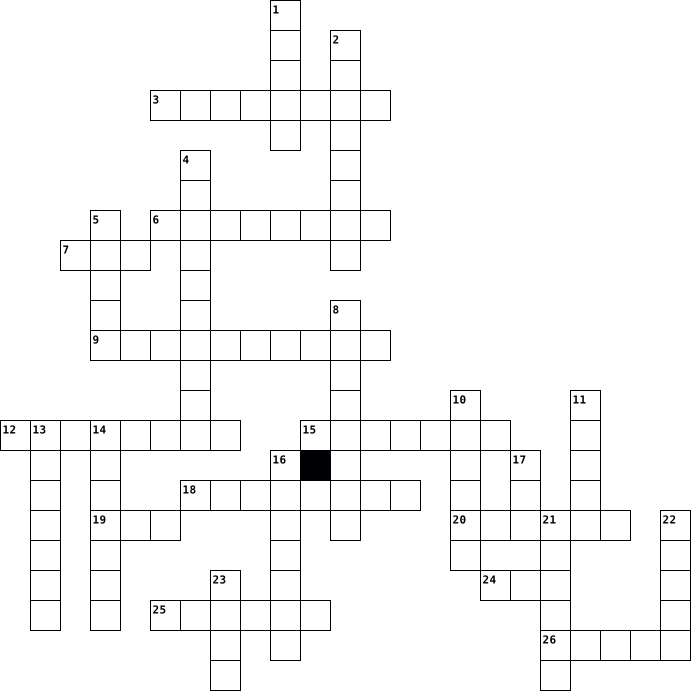
Across
- a way to enter data into a computer
- a collection of information
- IC socket
- cellular device
- electronic and digital hardware
- app used to locate web pages
- no wires
- used for 3D apps
- a device that forwards data
- ports data
- small portable computer
- spreadsheet program
Down
- World Wide Web directory
- magnetic disk that stores computer data
- memory card
- a bad piece of code
- global network
- internal storage
- to line up
- not connected
- organized list of instructions
- basic input output system
- performs arithmetic computations
- handheld device that can access the internet
- designed for net displays
- compressed picture
26 Clues: no wires • IC socket • to line up • ports data • memory card • not connected • global network • cellular device • internal storage • used for 3D apps • compressed picture • a bad piece of code • spreadsheet program • small portable computer • World Wide Web directory • basic input output system • designed for net displays • a collection of information • a device that forwards data • ...
computer 2014-03-17

Across
- Voorziet de computer van stroom
- draagbare computer
- hier kan je alles op zien
- Verbindt alle onderdelen met elkaar , zodat ze kunnen samenwerken.
- De snelheid van processor
- schijf Apparaat waar je gegevens permanent op bewaard.
- hier komen afgedrukte papieren uit
- Biedt plaats om al je interne hardware te bevestigen.
- compact disc read-only memory
- gegevens aanleveren aan pc
Down
- Brein van de PC en zorgt voor alle rekenwerk.
- Bewegen van pijltje
- betere of extra geluidskaart, netwerkkaart
- werkgeheugen, Random-access memory
- Solid State Drive, nieuw type extern geheugen
- meeteenheid voor scherm
- beginscherm
- Alle tastbare (fysieke) onderdelen
- randapparaat wordt vanuit pc gestuurd.
- Digital Versatile Disc
20 Clues: beginscherm • draagbare computer • Bewegen van pijltje • Digital Versatile Disc • meeteenheid voor scherm • hier kan je alles op zien • De snelheid van processor • gegevens aanleveren aan pc • compact disc read-only memory • Voorziet de computer van stroom • werkgeheugen, Random-access memory • Alle tastbare (fysieke) onderdelen • hier komen afgedrukte papieren uit • ...
Computer 2015-05-31

Across
- Created the first widely used web browser
- Created the transistor
- Helped create the USB
- Helped create the first electronic general computer
- Helped create the first computer game
- Created the integrated circuit
- Helped create the first personal computer
- Created the first American electronic computer
Down
- Created the first printed circuit board
- Created the gigahertz computer processor
- High level hackers
- Created the universal processor
- Helped create the first programmable computer
- Atanasoff Created the first electronic digital computer
- Created the idea of playing video games on a TV screen
- Created modern style computing
- Created the idea of allowing students to use computers as
- Created the BASIC programming language
- Helped create the Turing machine
- Created and expanded the video game industry
20 Clues: High level hackers • Helped create the USB • Created the transistor • Created modern style computing • Created the integrated circuit • Created the universal processor • Helped create the Turing machine • Helped create the first computer game • Created the BASIC programming language • Created the first printed circuit board • Created the gigahertz computer processor • ...
Computer 2014-12-20

Across
- / Siglas de a todo lo ancho del mundo por sus siglas en ingles
- / Es la imagen que representa a un programa en el escritorio
- / Es un ejemplo de antivirus informático
- / Es la agrupación de 1024 kilobytes
- / Es un periferico que produce en papel lo creado en la computadora
- / Es un programa que se autoejecuta y se propaga intercambiando copias de si mismo
- / Es la red social más usada en la actualidad
- / Es aquella parte del nombre del archivo que define la aplicación con que fue hecho dicho archivo
- / Es la primera maquina inventada de calculo numérico inventada en el siglo XIX
- / Es un tipo de impresaora muy rapida y que casi no produce ruido al imprimir
- / Es un menú que aparece con el botón derecho del mouse
- / Es el programa de office que se basa en el manejo de diapositivas
- / Computadora e integradora numérica y electrónica son la siglas de
- / Es un dispositivo electronico que permite procesar gran cantidad de datos con velocidad
- / Es la memori representada por los discos duros, USB, etc
- / Es la agrupación de ocho bits
- / Cual es la última versión de windows en el mercado
- / Es un programa que proteje a la computadora que pueda ser infectada por virus informático
- / Los audifonos es un ejemplo de dispositivos de
- / Es el sistema operativo de las tablets
- / Es la agrupación de 1024 megabytes
- / Es la memori que usamos cuando estamos trabajando con la computadora
- / Son los signos usados en internet para expresar ideas
- / Siglas de Nuevas Tecnologías de la Información y la Comunicación
- / Es un tipo de software que no tiene ningun costo para el usuario
- / Es un programa que permite comprimir archivos
- / Cual es la hoja electrónica de office
- / Cual es el programa de office que maneja base de datos
- / Es el dispositivo más antiguo para procesar datos, lo utilizaban los chinos para contar
Down
- / Es un sistema operativo gráfico basado en iconos y ventanas
- / Es un ejemplo de dispositivo de entrada y salida
- / Es el programa de office para el manejo de diseño gráfico
- / Es el medio más usado en la actualidad para el manejo de información a distancia
- / Es un conjunto de programas que controlan el funcionamiento básico de la computadora
- / Es un dispositivo de almacenamiento de datos en forma permanente de hasta 9 gigabytes
- i / Es la primera computadora comercial
- / Es un tipo de software que tiene deshabilitadas varias opciones como guardar, imprimir
- / Es el principal componente de las computadoras de la cuarta generación
- / Cuando deseamos enviar un archivo por un correo electrónica utilizamos la opción
- / Es el tipo de memoria mas usado para transportar información
- / primera computadora digital de programa almacenado
- / Es la agrupación de 1024 gigabytes
- / Es un conjunto de datos agrupados bajo un mismo nombre
- / Empresa que crea office y windows
- / Es un área visual, de forma rectangular, que contiene algún tipo de interfaz con el usuario
- / Dispositivo inventado por Blaise Pascal para contar
- / Es la compañía que crea el programa Acrobat Reader
- / Es un tipo de softwae de prueba, normalmente 30 días
- / Con que otro nombres se le conoce a los circuitos integrados
- / Es la memori solamente de lectura
- duro / Es el principal periferico de la computadora para almacenar información
- / Además de windows, otro ejemplo de sistema operativo
- / Es un tipo de software que el usuario debe pagar para poder usarlo
- / Es la agrupación de 1024 bytes
- / Es la unidad mínima de memoria que puede almacenar la computadora
- / Es una suite de programas como word, excel, powerpoint, access, etc.
- / Es un conjunto de componentes lógicos o programas en la computadora
- / Normalmente como son conocidos los archivos creados en Acrobat Reader
- / Área de almacenamiento dedicada a los datos usados o solicitados con más frecuencia
- / Correo electrónico no solicitado que se envía a destinatarios con fines publicitarios o comerciales
- / Cual es el programa de procesador de textos de office
61 Clues: / Es la agrupación de ocho bits • / Es la agrupación de 1024 bytes • / Empresa que crea office y windows • / Es la memori solamente de lectura • / Es la agrupación de 1024 kilobytes • / Es la agrupación de 1024 gigabytes • / Es la agrupación de 1024 megabytes • i / Es la primera computadora comercial • / Cual es la hoja electrónica de office • ...
computer 2021-01-08
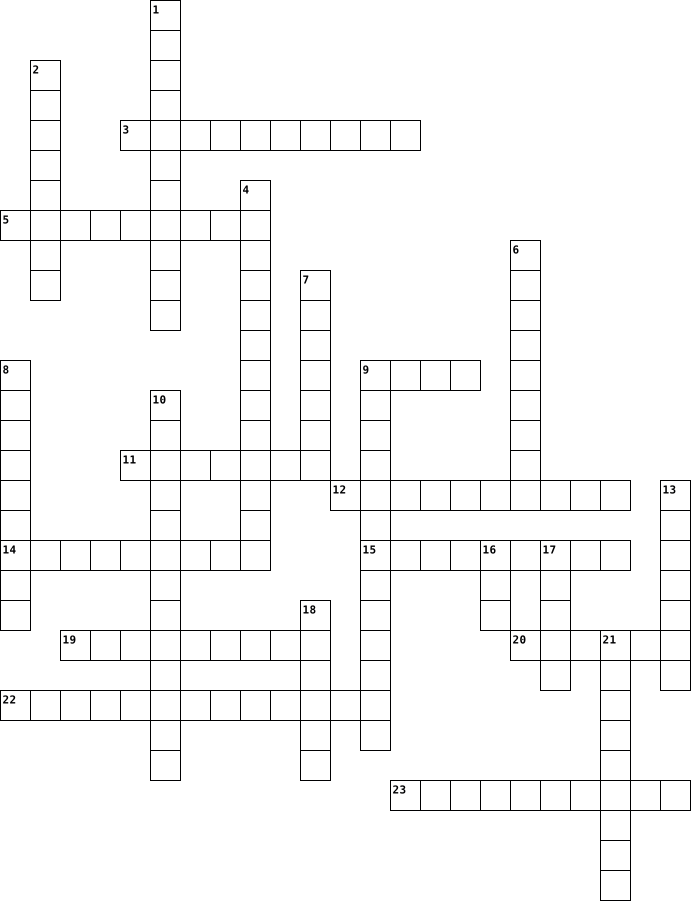
Across
- subjecting something to a series of actions in order to achieve a particular result.
- a first model of something
- a system of words, letters, figures, or other symbols substituted for other words
- a way of putting others feelings in your shoes
- a group discussion to produce ideas and ways of solving problems.
- the repetition of a process or utterance.
- person who speaks or acts in support of bullying.
- the fact or condition of being addicted to a particular thing or activity.
- marked by compassion, sympathy, or consideration for humans or animals
- it’s simply the act of transferring information from one place, person or group to another.
- is something that limits or restricts someone or something.
Down
- The quality of dealing with ideas rather than events.
- a principle or standard by which something may be judged or decided.
- the state or process of rotting or decay.
- helps you organize data.
- the state or condition of being free from being observed or disturbed by other people.
- is defined as the methodical and efficient distribution of network.
- the use of electronic communication to bully a person
- relating to or using computers.
- they are text files with small pieces of data
- an application, especially as downloaded by a user to a mobile device.
- identify and remove errors.
- a plan or drawing produced to show the look and function or workings of a building
- a process or set of rules to be followed in calculations or other problem-solving operations.
24 Clues: helps you organize data. • a first model of something • identify and remove errors. • relating to or using computers. • the state or process of rotting or decay. • the repetition of a process or utterance. • they are text files with small pieces of data • a way of putting others feelings in your shoes • person who speaks or acts in support of bullying. • ...
computer 2021-04-12
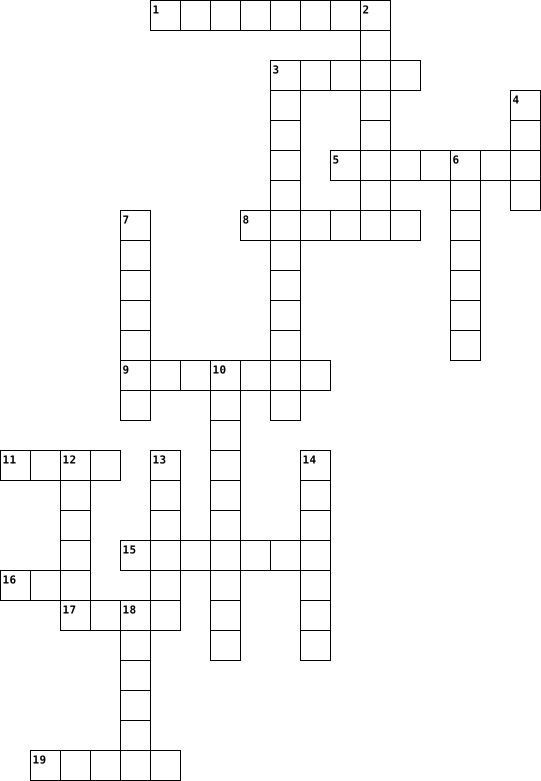
Across
- Frage11
- Frage19
- Frage17
- Frage7
- Frage1
- Frage15
- Frage16
- Frage10
- Frage14
- Frage18
Down
- Frage9
- Frage2
- Frage4
- Frage6
- Frage3
- Frage5
- Frage13
- Frage12
- Frage20
- Frage8
20 Clues: Frage9 • Frage2 • Frage4 • Frage6 • Frage3 • Frage7 • Frage1 • Frage5 • Frage8 • Frage11 • Frage19 • Frage17 • Frage15 • Frage13 • Frage12 • Frage20 • Frage16 • Frage10 • Frage14 • Frage18
computer 2023-11-17
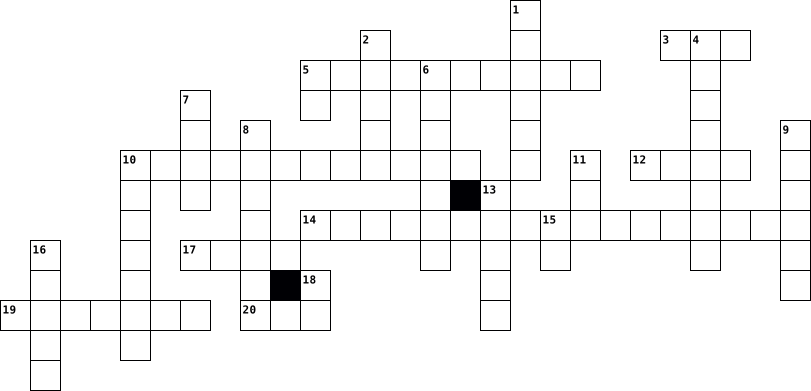
Across
- Acronimo utilizzato per indicare le porte Universal Serial Bus.
- Sistema che permette di scrivere e leggere dati sulla memoria di massa.
- Lo sono i sistemi che permettono di eseguire più programmi contemporaneamente.
- Movimento/filosofia che prevede la condivisione dei codici sorgenti: ... source.
- Due alla dieci.
- Sistema di base per il controllo dell'input deputato inoltre al caricamento del sistema operativo nella memoria principale.
- Il sistema operativo più utilizzato a scuola.
- Memoria di massa che è l'evoluzione degli hard disk.
Down
- Creatore di un'opera intellettuale.
- Circuito che tiene il ritmo nel computer.
- Il codice di un programma prima di essere compilato o interpretato.
- 255 in base 16.
- Periferica di input che serveper acquisire documenti cartacei.
- Definisce ciò che l'utente finale può e non può fare con il software.
- Sistema operativo di Bill.
- E' in comune tra RAM e ROM.
- Dispositivo di output composto da pixel.
- Sistema grafico che permette all'utente di interagire con un programma o un sistema operativo.
- Unità di misura per indicare la velocità del processore.
- Viene dopo il MB.
- Sistema operativo gratuito.
- Memoria di massa che può essere interna o esterna.
22 Clues: 255 in base 16. • Due alla dieci. • Viene dopo il MB. • Sistema operativo di Bill. • E' in comune tra RAM e ROM. • Sistema operativo gratuito. • Creatore di un'opera intellettuale. • Dispositivo di output composto da pixel. • Circuito che tiene il ritmo nel computer. • Il sistema operativo più utilizzato a scuola. • Memoria di massa che può essere interna o esterna. • ...
Computer 2023-11-15
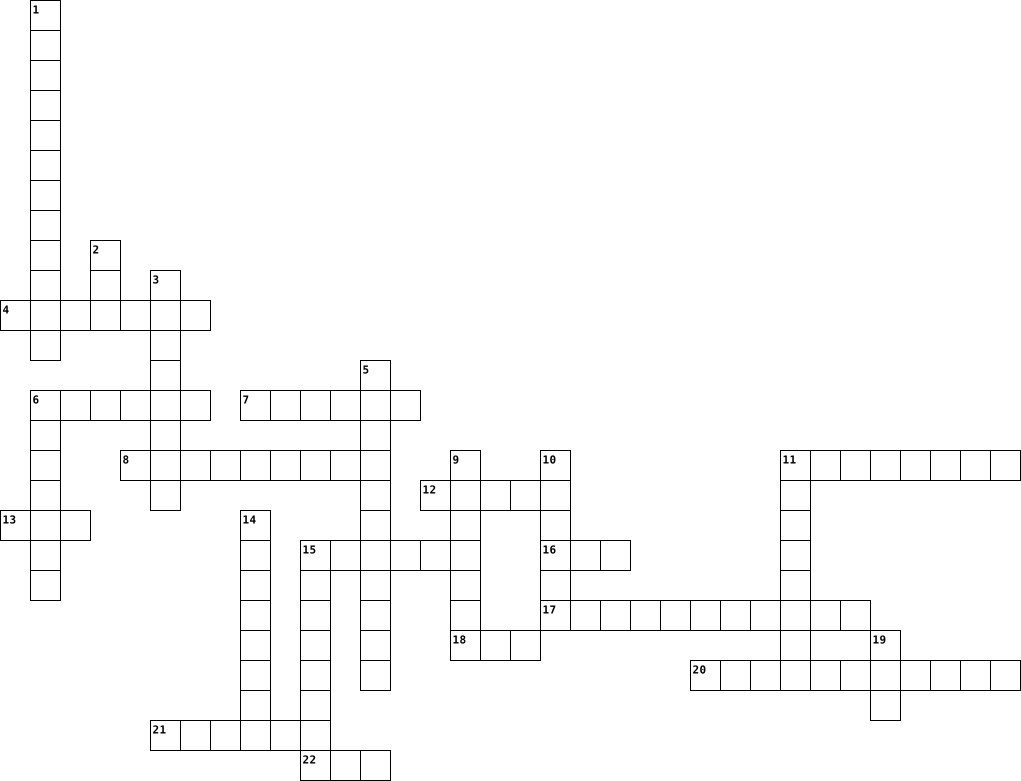
Across
- a piece of equipment worn on the head that allows someone to hear sound when using a phone, music, or computer system.
- an anti-virus or anti-malware software product founded by Peter Norton
- a software product used to archive, compress and encrypt files in a variety of archive formats for more efficient storage and distribution.
- It projects images from a Blu-ray player or computer and presents ideas on the projection screen
- a type of proprietary software that is released without charge to the public.
- a small device that a computer user pushes across a desk surface in order to point to a place on a display screen and to select one or more actions to take from that position.
- a specialized processor originally designed to accelerate graphics rendering.
- is a web browser developed by Apple Inc. and included in Mac OS X. It was first released as a public beta in January 2003.
- the primary component of a computer that acts as its “control center.”
- an electronic circuit board in a computer which interconnects hardware devices attached to it — which is to say, all of the
- acronym that stands for random-access memory.
- is a computer application for computation, organization, analysis and storage of data in tabular form.
- a trialware file archiver utility for Windows, developed by Eugene Roshal of win.rar GmbH.
- a storage device containing nonvolatile flash memory, used in place of a hard disk because of its much greater speed.
Down
- Malwarebytes Anti-Malware, abbreviated as MBAM) is an anti-malware software for Microsoft Windows, macOS, ChromeOS, Android, and iOS that finds and removes malware.
- the hardware component that stores all of your digital content
- an input device used to enter characters and functions into the computer system by pressing buttons, or keys
- is a powerful and free office suite, a successor to OpenOffice(.org), used by millions of people around the world.
- a text editor, i.e., an app specialized in editing plain text.
- an output device that displays information being processed in a computer.
- is a combination of "Web" and "video camera."
- is a specific class of computer software that provides the low-level control for a device's specific hardware.
- developed by Piriform Software, is a utility used to clean potentially unwanted files and invalid Windows Registry entries from a computer.
- a piece of output gear that connects to a computer to produce sound
- commonly used for storage, data backup, and transferring files between devices.
25 Clues: is a combination of "Web" and "video camera." • acronym that stands for random-access memory. • the hardware component that stores all of your digital content • a text editor, i.e., an app specialized in editing plain text. • a piece of output gear that connects to a computer to produce sound • ...
Computer 2023-11-15

Across
- developed by Piriform Software, is a utility used to clean potentially unwanted files and invalid Windows Registry entries from a computer.
- acronym that stands for random-access memory.
- a storage device containing nonvolatile flash memory, used in place of a hard disk because of its much greater speed.
- is a specific class of computer software that provides the low-level control for a device's specific hardware.
- is a computer application for computation, organization, analysis and storage of data in tabular form.
- is a powerful and free office suite, a successor to OpenOffice(.org), used by millions of people around the world.
- is a web browser developed by Apple Inc. and included in Mac OS X. It was first released as a public beta in January 2003.
- a type of proprietary software that is released without charge to the public.
- the primary component of a computer that acts as its “control center.”
- an anti-virus or anti-malware software product founded by Peter Norton
- is a device that provides Wi-Fi and is typically connected to a modem.
- a small device that a computer user pushes across a desk surface in order to point to a place on a display screen and to select one or more actions to take from that position.
- an abbreviation for Google Mail.
- is a combination of "Web" and "video camera."
Down
- a device that accepts text and graphic output from a computer and transfers the information to paper.
- a text editor, i.e., an app specialized in editing plain text.
- a trialware file archiver utility for Windows, developed by Eugene Roshal of win.rar GmbH.
- the main printed circuit board (PCB) in a computer.
- a piece of output gear that connects to a computer to produce sound.
- a piece of equipment worn on the head that allows someone to hear sound when using a phone, music, or computer system.
- an input device used to enter characters and functions into the computer system by pressing buttons, or keys.
- a specialized processor originally designed to accelerate graphics rendering.
- manages all of the other application programs in a computer.
- an output device that displays information being processed in a computer.
- the hardware component that stores all of your digital content.
- convert the audio sound waves into electrical signals.
- a software product used to archive, compress and encrypt files in a variety of archive formats for more efficient storage and distribution.
- It projects images from a Blu-ray player or computer and presents ideas on the projection screen.
- Malwarebytes Anti-Malware, abbreviated as MBAM) is an anti-malware software for Microsoft Windows, macOS, ChromeOS, Android, and iOS that finds and removes malware.
- commonly used for storage, data backup, and transferring files between devices.
30 Clues: an abbreviation for Google Mail. • acronym that stands for random-access memory. • is a combination of "Web" and "video camera." • the main printed circuit board (PCB) in a computer. • convert the audio sound waves into electrical signals. • manages all of the other application programs in a computer. • a text editor, i.e., an app specialized in editing plain text. • ...
Computer 2023-11-15

Across
- a storage device containing nonvolatile flash memory, used in place of a hard disk because of its much greater speed.
- is a specific class of computer software that provides the low-level control for a device's specific hardware.
- stands for "modulator-demodulator,".
- helps you keep your most important information — like your photos, files and backups — secure
- an output device that displays information being processed in a computer.
- It projects images from a Blu-ray player or computer and presents ideas on the projection screen.
- convert the audio sound waves into electrical signals.
- a piece of equipment worn on the head that allows someone to hear sound when using a phone, music, or computer system.
- a small device that a computer user pushes across a desk surface in order to point to a place on a display screen and to select one or more actions to take from that position.
- is a computer application for computation, organization, analysis and storage of data in tabular form.
- a device that accepts text and graphic output from a computer and transfers the information to paper.
- a specialized processor originally designed to accelerate graphics rendering.
- is a combination of "Web" and "video camera."
- an anti-virus or anti-malware software product founded by Peter Norton
Down
- an input device used to enter characters and functions into the computer system by pressing buttons, or keys.
- is a powerful and free office suite, a successor to OpenOffice(.org), used by millions of people around the world.
- manages all of the other application programs in a computer.
- a software product used to archive, compress and encrypt files in a variety of archive formats for more efficient storage and distribution.
- is a web browser developed by Apple Inc. and included in Mac OS X. It was first released as a public beta in January 2003.
- a type of proprietary software that is released without charge to the public.
- a text editor, i.e., an app specialized in editing plain text.
- is a device that provides Wi-Fi and is typically connected to a modem.
- the main printed circuit board (PCB) in a computer.
- developed by Piriform Software, is a utility used to clean potentially unwanted files and invalid Windows Registry entries from a computer.
- acronym that stands for random-access memory.
- the hardware component that stores all of your digital content.
- an abbreviation for Google Mail.
- commonly used for storage, data backup, and transferring files between devices.
- a piece of output gear that connects to a computer to produce sound.
- the primary component of a computer that acts as its “control center.”
- a trialware file archiver utility for Windows, developed by Eugene Roshal of win.rar GmbH.
- Malwarebytes Anti-Malware, abbreviated as MBAM) is an anti-malware software for Microsoft Windows, macOS, ChromeOS, Android, and iOS that finds and removes malware.
32 Clues: an abbreviation for Google Mail. • stands for "modulator-demodulator,". • acronym that stands for random-access memory. • is a combination of "Web" and "video camera." • the main printed circuit board (PCB) in a computer. • convert the audio sound waves into electrical signals. • manages all of the other application programs in a computer. • ...
Computer 2023-06-16
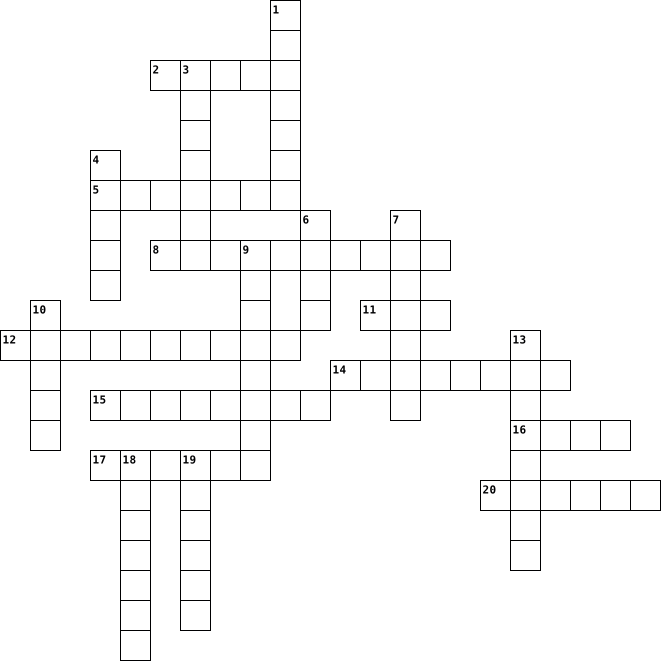
Across
- A device that moves the cursor on the computer screen
- A screen that displays information from the computer
- A pair of devices worn over the ears to listen to audio from the computer
- Universal Serial Bus, a common interface for connecting devices to the computer
- A device used to capture audio or sound input
- A global network that connects computers worldwide
- A secret combination of letters, numbers, or symbols used to protect access to the computer or online accounts
- An online journal or informational website where individuals or groups share their thoughts and opinions
- To transfer data or files from the computer to the internet
- A copy of files or data made for safekeeping or recovery
Down
- A device that produces sound from the computer
- Not connected to the internet or not actively using it
- Electronic mail, a system for sending and receiving messages online
- To communicate with others in real-time through text or video messages
- A collection of web pages accessed through the internet
- To transfer data or files from the internet to the computer
- A malicious software program that can harm computer systems
- A device with buttons used for typing and inputting commands
- A machine that prints text and images on paper
- Connected to or available through the internet
20 Clues: A device used to capture audio or sound input • A device that produces sound from the computer • A machine that prints text and images on paper • Connected to or available through the internet • A global network that connects computers worldwide • A screen that displays information from the computer • A device that moves the cursor on the computer screen • ...
COMPUTER 2025-01-08

Across
- - A visual representation, such as a photo or graphic, displayed on a computer.
- - A device used to capture photos or video on a computer or phone.
- - A portable touch-screen device that functions like a computer.
- - A container for storing data on a computer.
- - A mobile device that can make calls, run apps, and access the internet.
- - Information that can be processed or stored by a computer.
- - A network of remote servers used for storage and processing.
- - The written instructions used in creating software and websites.
- - A wireless technology that allows devices to connect to the internet.
- - A harmful program that infects and damages files or systems.
- - The input device with keys used to type text and commands.
- - A portable computer that can be used on the go.
Down
- - The action of looking for information on the internet or a device.
- - The display device used to show information from a computer.
- - A computer component used to store data temporarily or permanently.
- - A secret word or phrase used to authenticate a user.
- - A digital entertainment program played on a computer or device.
- - A collection of web pages accessible via the internet.
- - A system of connected devices that can communicate with each other.
- - A screen used to display the output from a computer.
- - A storage device used to store files on a computer (e.g., hard drive, flash drive).
- - A pointing device used to interact with a computer screen.
- - A clickable element on a screen used to perform actions.
- - A software application, usually for mobile devices.
- - A clickable text or image that connects to another webpage or resource.
25 Clues: - A container for storing data on a computer. • - A portable computer that can be used on the go. • - A software application, usually for mobile devices. • - A secret word or phrase used to authenticate a user. • - A screen used to display the output from a computer. • - A collection of web pages accessible via the internet. • ...
Computer 2024-01-17
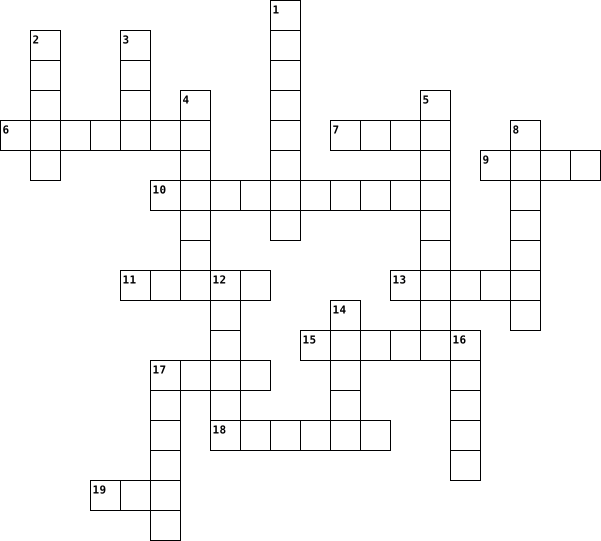
Across
- Bagian komputer untuk menampilkan gambar
- Sebutan untuk ukuran huruf
- Sebutan untuk jenis huruf
- Menambahkan garis bawah pada huruf
- Arah horizontal pada tabel
- Sebutan untuk warna huruf
- Garis bingkai pada teks/halaman
- Membuat huruf menjadi tebal
- Posisi teks di tengah
- Otaknya komputer
Down
- Bagian komputer untuk mengetik
- arah vertikal pada tabel
- Posisi teks di kiri
- Alat untuk mencetak gambar/teks
- Alat untuk mendengarkan suara dari komputer
- Teks yang menarik dan memiliki efek
- Membuat huruf menjadi miring
- Bagian komputer untuk menggerakkan kursor
- Posisi teks di kanan
- Contoh bentuk publikasi yang dibuat menggunakan Ms. Publisher
20 Clues: Otaknya komputer • Posisi teks di kiri • Posisi teks di kanan • Posisi teks di tengah • arah vertikal pada tabel • Sebutan untuk jenis huruf • Sebutan untuk warna huruf • Sebutan untuk ukuran huruf • Arah horizontal pada tabel • Membuat huruf menjadi tebal • Membuat huruf menjadi miring • Bagian komputer untuk mengetik • Alat untuk mencetak gambar/teks • Garis bingkai pada teks/halaman • ...
computer 2022-11-01
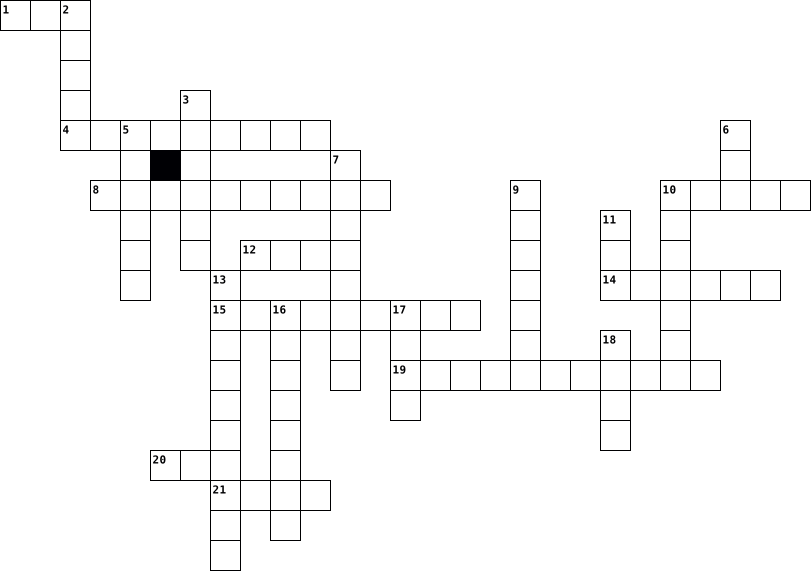
Across
- - 05 used by apple phones
- - Very common OS used widely, especially in work pisses
- - Someone that uses Java, Python, etc.
- - a small device that a computer user pushes across a desk surface in order to pointito a place on a display screen and to select one or mone actions to take from that position
- - Makes letters BOLDED in google does, slides, etc
- - Live streaming platform
- - I'm a very famous social media Software
- - a printed circuit board containing the principal componems of a computer
- - I help you protect your information
- 7 - Undoes last input in does, slides, etc.
Down
- - Software that allows users to purchase unfinited amounts of Add-Ons as well as video games of wnich are compatible with the computer
- - A very widely used and known software used to collect information inor the internet
- - used to out something like a picture, ot text box
- - Robotic Brain
- - Jumbled alphabet used to output letters
- - Streaming Software for various kinds of videos
- - Screen of different sizes used to output video and sound
- - opens new tab
- C for copy and V for paste with shift to print without anytning different forts. boldness, etc.
- - programs and other operating information used in devices from computers to cel phones Hardware - tools, machinery, and other durable equipment used for different purposes in a computer
- without this a computer has short term memory lass
- - Wire used to combines video and audio into a single digital interface such as a monitor or ty
22 Clues: - Robotic Brain • - opens new tab • - 05 used by apple phones • - Live streaming platform • - I help you protect your information • - Someone that uses Java, Python, etc. • - Jumbled alphabet used to output letters • - I'm a very famous social media Software • 7 - Undoes last input in does, slides, etc. • - Streaming Software for various kinds of videos • ...
computer 2022-01-14
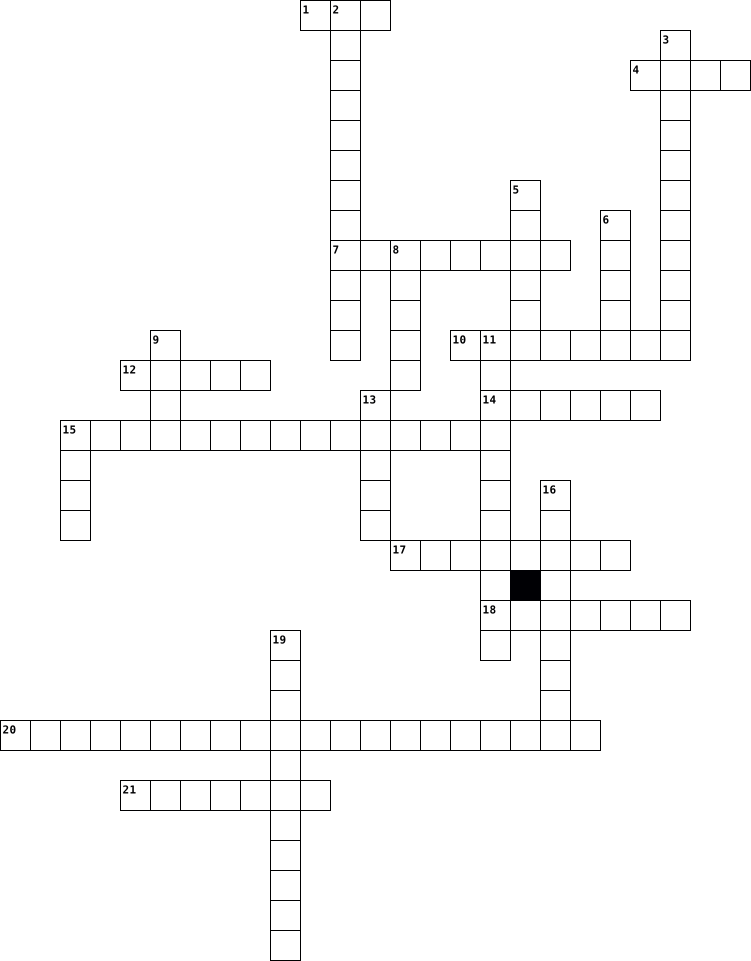
Across
- In uniprocessor systems which channels are used to provide direct information transfer between the device and main memory
- example for a multiuser operating system is
- A program that translates a high-level programming language such as C or Pascal into a machine language program is called
- the process of recognizing the lexical components in a source string is called:
- Identifiers, keywords, constants, operators and punctuation symbols such as commas and parentheses are typical
- bit an extra or redundant bit used to detect transmission errors is called
- A measure of the extent to which the evidence that is described by the antecedent of the rule supports the conclusion that is given in the rule’s consequent
- A security method that identifies a specific authorized user of a computer system, by a unique string of character that user types as an identification code is
- Express in Windows we can maintain multiple E-mail and newsgroup accounts in
- The computer with multiple processors with shared memory space is known as
- The name of the device used for a user to computer communications, usually the display and the keyboard is called
Down
- if the new facts are consistent with all the other facts that have already been asserted, then nothing will be retracted from the set of facts that are known to be true. What is this property called?
- the process of mapping ordinary messages into encoded messages is called
- A list of tasks a system could perform is known as
- tasking the simultaneous execution of two or more programs in one computer is called
- A small input device with one or more buttons used as for painting or drawing is
- to move a program or operating system from one hardware platform to another is:
- A secondary processor used to speed up operations by taking over a specific part of the main processor’s work is called
- expansion a macro call leads to
- risc processors are 70 percent faster than which processors
- Express To create our own web page, we can use what, which is another tool included with Windows 98
- computers can be made very knowledgeable but are far from being
22 Clues: expansion a macro call leads to • example for a multiuser operating system is • A list of tasks a system could perform is known as • risc processors are 70 percent faster than which processors • computers can be made very knowledgeable but are far from being • the process of mapping ordinary messages into encoded messages is called • ...
Computer 2025-11-25

Across
- stands for internet protocol
- the digital trace you leave when you use the internet
- The primary processor of graphics
- Short term memory for a computer
- opposite of input
- The primary processor for the system
- a process to conceal and protect information from being stolen
- a micro computer that teaches kids to code
- a coding program that uses blocks to make code
Down
- 1 and 0 language
- a wireless network for laptops, phones, computers
- a process to make sure a computer has the same information as what was sent
- a worldwide network that all use
- a tiny piece of digital information. 1/8 of a byte
- the physical components of a computer
- USB for example
- A set of instructions to automate a process
- a place where a lot of data is stored
- Connects all of the components in a computer
- stores power to power the system
- the digital code that makes a computer run
21 Clues: USB for example • 1 and 0 language • opposite of input • stands for internet protocol • a worldwide network that all use • Short term memory for a computer • stores power to power the system • The primary processor of graphics • The primary processor for the system • the physical components of a computer • a place where a lot of data is stored • ...
Computer 2026-01-05

Across
- another word for the monitor
- device that captures images and send them to the computer
- device for storing and getting information
- kind of portable p.c
- all the physical parts of the p.c
- all the programs of p.c are called
- portable computer
- devices to listen to sounds and music from pc
- the main box of the computer
Down
- essential for video calls , meeting , recording e.t.c
- creates a copy from computer screen
- device used for typing
- not only on the sky
- device that helps you talk to others through p.c
- it connects computers from all over the world
- device used in games
- device used to select objects from screen
- random access memory (initials)
- portable storage device
- surface for moving a mouse
20 Clues: portable computer • not only on the sky • device used in games • kind of portable p.c • device used for typing • portable storage device • surface for moving a mouse • the main box of the computer • another word for the monitor • random access memory (initials) • all the physical parts of the p.c • all the programs of p.c are called • creates a copy from computer screen • ...
Computer Vocabulary 2020-03-11

Across
- Passive form of cooling
- Distributor of computer hardware
- a device that you connect to a home entertainment system
- a small device able to be connected to and used with a computer
- Provides input and output of audio signals to and from a computer under control of computer programs
- a unit of information equal to one million
- Provides additional features to a computer such as video, sound, advanced graphics, Ethernet or memory
- a hardware component that supplies power to an electrical device
- Central Processing unit
Down
- The most essential parts of a computer system
- an abbreviation for Peripheral Component Interconnect
- Used to measure the transmission speed of electronic devices, including channels, buses and the computer's internal clock
- Self-contained storage device containing a read-write mechanism plus one or more hard disks, inside a sealed unit
- Random-access memory
- a unit of measurement for alternating current or electromagnetic
- One of the most common forms of network cable used on wired networks
- Generates a feed of output images to a display device
- Read-only memory
- Electronic device that connects a computer to a computer network
- a facility allowing computers, smartphones, or other devices to connect to the Internet
20 Clues: Read-only memory • Random-access memory • Passive form of cooling • Central Processing unit • Distributor of computer hardware • a unit of information equal to one million • The most essential parts of a computer system • an abbreviation for Peripheral Component Interconnect • Generates a feed of output images to a display device • ...
Computer Vocabulary 2020-03-11

Across
- Random-access memory
- a facility allowing computers, smartphones, or other devices to connect to the Internet
- Provides additional features to a computer such as video, sound, advanced graphics, Ethernet or memory
- Passive form of cooling
- a unit of information equal to one million
- a unit of measurement for alternating current or electromagnetic
- Electronic device that connects a computer to a computer network
- Self-contained storage device containing a read-write mechanism plus one or more hard disks, inside a sealed unit
- a device that you connect to a home entertainment system
Down
- a hardware component that supplies power to an electrical device
- an abbreviation for Peripheral Component Interconnect
- Generates a feed of output images to a display device
- a small device able to be connected to and used with a computer
- Provides input and output of audio signals to and from a computer under control of computer programs
- One of the most common forms of network cable used on wired networks
- Used to measure the transmission speed of electronic devices, including channels, buses and the computer's internal clock
- Distributor of computer hardware
- The most essential parts of a computer system
- Read-only memory
- Central Processing unit
20 Clues: Read-only memory • Random-access memory • Passive form of cooling • Central Processing unit • Distributor of computer hardware • a unit of information equal to one million • The most essential parts of a computer system • an abbreviation for Peripheral Component Interconnect • Generates a feed of output images to a display device • ...
Information Technology 2024-07-01

Across
- A network standard that specifies no central computer
- The number of bytes a storage medium can hold
- A small program that tells the operating system how to communicate with specific device.
- A worldwide collection of network.
- A duplicate of a file placed on a separate storage medium.
- The fastest, most powerful computer
- Conveys meaning and is useful to people
- Process of setting up software to work with computer
- A programs consists of a series of related instructions
- An output device that produces text and graphic
- Someone who develops software.
Down
- Case contains electronic components of computer
- A program placed on a computer without the user's knowledge
- Control access to the hardware, software and other resources on a network
- A process of converting readable data into unreadable character
- A private combination of characters associated
- An unsolicited e-mail message
- A scam in which a perpetrator sends an official looking e-mail message
- A large, expensive, powerful computer
- Collection of unprocessed items
- A utility that remove a program
- A potentially damaging computer program
- Collection of computer and devices connected together, often wisely
- Communication device that connect multiple computers
24 Clues: An unsolicited e-mail message • Someone who develops software. • Collection of unprocessed items • A utility that remove a program • A worldwide collection of network. • The fastest, most powerful computer • A large, expensive, powerful computer • A potentially damaging computer program • Conveys meaning and is useful to people • The number of bytes a storage medium can hold • ...
Project in Computer 2017-02-22

Across
- a type of computer memory that can be accessed randomly.
- is the abbreviation for central processing unit.
- is a common interface that enables communication between devices and a host controller such as a personal computer.
- is a polycarbonate with one or more metal layers capable of storing digital information.
- any information that has been processed by and sent out from a computer or similar device is considered?
- a panel of keys that operate a computer or typewriter.
- is a device that accepts text and graphic output from a computer and transfers the information to paper.
- a device that converts analog audio signals into the equivalent air vibrations in order to make audible sound.
- is a computer network that spans a relatively small area.
- rope-like bunch of wires used to connect two things.
- the programs and other operating information used by a computer.
- is a brand name given by Intel Corp.
- is a standalone malware computer program that replicates itself in order to spread to other computers.
- allows a user organization to avoid toll charges for long distance calls.
- is the enclosure that contains most of the components of a computer.
- the machines, wiring, and other physical components of a computer or other electronic system.
- is a separate viewing area on a computer display screen in a system that allows multiple viewing areas as part of a graphical user interface.
- are found on keyboards often referred to as a multimedia keyboard.
- an instrument or device used for observing, checking, or keeping a continuous record of a process or quantity.
- a set of computer instructions in firmware that control input and output operations.
- are slightly larger than conventional floppy disks, and about twice as thick.
- is the faster serial version of the parallel ATA (PATA) interface.
Down
- refers to the copying and archiving of computer data so it may be used to restore the original after a data loss event.
- is a networking device that forwards data packets between computer networks.
- is the technology used for displays in notebook and other smaller computers.
- is a machine (mostly electronic) that is able to take information (input), do some work on or make changes to the information (process)
- is the process of replacing a product with a newer version of the same product.
- it is the standard monitor or display interface used in most PCs.
- is a computer video display in which each pixel on the screen is illuminated by a tiny bit of plasma or charged gas, somewhat like a tiny neon light.
- a large high-speed computer, especially one supporting numerous workstations or peripherals.
- a rigid non removable magnetic disk with a large data storage capacity.
- a vertical computer cabinet.
- is a computer networking device that connects devices together on a computer network.
- is a small chip that resides in computers and other electronic devices.
- is a section of the hard drive that is separated from other segments.
- is a cursor control device used in computer games and assistive technology.
- is any fan inside, or attached to, a computer case used for active cooling, and may refer to fans that draw cooler air into the case from the outside, expel warm air from inside, or move air across a heat sink to cool a particular component.
- is a pointing device (hand control) that detects two-dimensional motion relative to a surface.
- put (data) into a computer.
- recognition is a computer software program or hardware device with the ability to decode the human voice.
40 Clues: put (data) into a computer. • a vertical computer cabinet. • is a brand name given by Intel Corp. • is the abbreviation for central processing unit. • rope-like bunch of wires used to connect two things. • a panel of keys that operate a computer or typewriter. • a type of computer memory that can be accessed randomly. • ...
Introduction to Computer Vocab 2019-10-24

Across
- Information entered into a computer.
- An output device that allows the computer to transfer audio files to the user.
- is used to write data such as the instructions that computer processors use, or the digital text you read every day.
- Video display screen; the part of the computer that shows you information (looks like a TV screen).
- An output device that transfers data to a paper-based format.
- Extra memory used for permanent storage.
- Random Access Memory; The memory that the computer uses to perform its normal activity.
- Computer program that contains a set of instructions, allowing the computer to perform tasks.
- An alpha-numeric input device; has letters & numbers for communicating with the computer.
- A rigid storage device fixed permanently within a computer; Main storage device.
Down
- A base 2 number system invented by Gottfried Leibniz that is made up of only two numbers: 0 and 1.
- Hardware that digitally encodes text, graphics and photographs.
- holds memory for short periods of time while a computer is running.
- An electronic device for storing and processing data.
- A hand-held input device; used to make selections in communication with the computer.
- An input device that allows the user to transfer audio files into the computer.
- The physical devices that make up a computer system (the parts you can see and touch).
- Information a computer delivers back to the user.
18 Clues: Information entered into a computer. • Extra memory used for permanent storage. • Information a computer delivers back to the user. • An electronic device for storing and processing data. • An output device that transfers data to a paper-based format. • Hardware that digitally encodes text, graphics and photographs. • ...
Internal & External Hardware 2014-09-18

Across
- Recognition device that is used by identifying a people through the pupils of their eye: ... Recognition
- External hardware that is mostly used by designers: Graphics ...
- Recognition device that identifies a person through scanning a print of a body part that is set on the system: ... scanner
- External storage device that is easy to travel with.
- What does the 'R' in 'RFID Scanner' stand for.
- a panel of keys that can be used to operate a computer.
- External hardware that outputs papers.
- Read only memory.
- Other word for input, output or storage device.
- What does the 'R' stand for in 'RAM'.
Down
- Internal storage devices are directly connected to it.
- External hardware that converts documents or pictures into digital data.
- External hardware to send out commands through voice.
- Input and output device at the same time.
- Input device that is used by moving and clicking.
- External storage device that is easy to travel with: ... stick
- Without this external hardware you can't see what you are doing on the computer.
- Electronic device that consists of a light source that scans different types of lines next to each other that are above numbers to check the information about a product: ... reader
- External hardware that outputs sound.
- The abbreviation of a recognition device that is used to see who is registered on the car through the licence plate.
20 Clues: Read only memory. • External hardware that outputs sound. • What does the 'R' stand for in 'RAM'. • External hardware that outputs papers. • Input and output device at the same time. • What does the 'R' in 'RFID Scanner' stand for. • Other word for input, output or storage device. • Input device that is used by moving and clicking. • ...
M2 - Lets have some fun 2026-05-14

Across
- Small pictures for apps or files
- A worldwide computer network
- The brain of the computer
- A coding language students will learn
- A place where files are saved
- Physical parts of a computer
- A secret word used to keep accounts safe
- Programs used on a computer
- A screen you look at
- A portable computer
- A file with information
Down
- Keys used for typing
- Rules for staying safe online
- A machine used to print paper
- Connected computers sharing information
- A device used to move the cursor
- Step-by-step instructions to solve a problem
- Information stored on a computer
- A person who uses a computer
- Repeating instructions in coding
20 Clues: A portable computer • Keys used for typing • A screen you look at • A file with information • The brain of the computer • Programs used on a computer • A worldwide computer network • Physical parts of a computer • A person who uses a computer • Rules for staying safe online • A machine used to print paper • A place where files are saved • Small pictures for apps or files • ...
JAVA 2021-06-26

Across
- This type conversion, the data gets converted to a type as specified by the programmer
- These literal can take only one of the two boolean values represented by the words true or false
- OAK was renamed
- It translates a program into machine language or low level language
- It is a portable language and can be executed by an JAVA supported browser
Down
- The act of acquiring the properties from an existing class
- It is the set of instruction and statement written by computer programmer using the programming language to find the solution of a problem
- They are used to name things like classes, objects
- These data types are the basic or fundamental data types used to declare a variable
- It is the smallest element of a program that is meaningful to the compiler
10 Clues: OAK was renamed • They are used to name things like classes, objects • The act of acquiring the properties from an existing class • It translates a program into machine language or low level language • It is a portable language and can be executed by an JAVA supported browser • It is the smallest element of a program that is meaningful to the compiler • ...
A Brief History of Computing 2023-01-16

Across
- Considered the first computer programmer.
- Created by Charles Babbage in
- Used to crack codes in the 2nd world war.
- Considered the second generation of computer.
- Consists of a number of electronic circuits, all on a single “chip” or semiconductor.
- Never actually built but set the tone for the first non-human computer.
- A device that takes binary input data and performs operations on that data from instructions stored in memory, providing the results as output.
- Considered the first generation of computer.
- Gained popularity in the 70s and 80s, first produced by Commodore, Apple and IBM
- Considered the fourth generation of computer.
Down
- Created the Difference Engine in 1822.
- Mechanical calculator that could solve polynomial functions.
- Refers to a computer with no moving parts.
- Small electronic switches that revolutionised computing.
- The fastest computer today, with 9,216 CPUs.
- Created by Alan Turing in 1936.
- Said to be the first electronic, digital, programmable computer.
- Developed by Tommy Flowers in the 1940s and said to be the first electronic, digital, programmable computer. However, not general purpose.
- Considered the third generation of computer.
- The first microprocessor.
20 Clues: The first microprocessor. • Created by Charles Babbage in • Created by Alan Turing in 1936. • Created the Difference Engine in 1822. • Considered the first computer programmer. • Used to crack codes in the 2nd world war. • Refers to a computer with no moving parts. • The fastest computer today, with 9,216 CPUs. • Considered the third generation of computer. • ...
Lesson 2 Vocabulary Lesson 2013-08-28

Across
- Largest, most powerful computer
- Pieces with punched holes, used in early computers
- Single user, more powerful than a microcomputer
- Small, lightweight, portable computer
- Group of components built on a chip
- Number system using 0s and 1s
- Large, multi-user computer used in businesses
- Machine that gathers and stores info
- Integrates a cell phone with a computer
Down
- Single user, also called a PC
- Relying on an electronic signal
- System using 1 thru 9
- Single character in a number system
- Instrument used to perform calculations
- Size and shape of a device
- Single user, also called a personal computer
- Computers working together
- Midsize computer, more powerful than a PC
- System using marks or sticks for counting
- Device connected to a multi-user computer
20 Clues: System using 1 thru 9 • Size and shape of a device • Computers working together • Single user, also called a PC • Number system using 0s and 1s • Largest, most powerful computer • Relying on an electronic signal • Single character in a number system • Group of components built on a chip • Machine that gathers and stores info • Small, lightweight, portable computer • ...
Computer Crossword Puzzel 2017-06-21

Across
- is the abbreviation for central processing unit. Sometimes referred to simply as the central processor.
- Memory enables a computer to store, at least temporarily, data and programs.
- a computer or computer program that manages access to a centralized resource or service in a network.
- an instrument or device used for observing, checking, or keeping a continuous record of a process or quantity.
- an electronic device for storing and processing data.
- an object on a computer that stores data, information, settings, or commands
- a panel of keys that operate a computer or typewriter.
- a global computer network providing a variety of information and communication facilities,
- is a system designed to prevent unauthorized access to or from a private network.
- A small text file (up to 4KB) created by a website that is stored in the user's computer either temporarily for that session only or permanently on the hard disk.
- is a way to organize computer files.
- irrelevant or inappropriate messages sent on the Internet to a large number of recipients
Down
- move along a flat surface and can move the on-screen cursor to different items on the screen.
- is an image that represents an application, a capability, or some other concept or specific entity with meaning for the user.
- the working surface of a desk.
- tools, machinery, and other durable equipment.
- System system software that manages computer hardware and software resources and provides common services for computer programs.
- flash drive small enough to carry on a key ring, that can be used with any computer that has a USB port.
- copy (data) from one computer system to another, typically over the Internet.
- is popular among computer scientists and is used in a wide variety of situations.
- a program with a graphical user interface for displaying HTML files, used to navigate the World Wide Web.
- with reference to a computer system) boot or be booted again.
- In computing, a crash (or system crash) occurs when a computer program, such as a software application or an operating system, stops
23 Clues: the working surface of a desk. • is a way to organize computer files. • tools, machinery, and other durable equipment. • an electronic device for storing and processing data. • a panel of keys that operate a computer or typewriter. • with reference to a computer system) boot or be booted again. • ...
Chapter 4 Crossword Review 2024-09-25

Across
- A device that converts AC to DC and can use regular house current to power a laptop computer
- Currently the most popular type of battery for notebook computers; it is more efficient than earlier types
- A power supply with cables, some or all of which can be detached for a cleaner space inside a computer for better airflow inside the computer case
- A Windows 10/11 utility (mdsched.exe) used to test memory
Down
- The location where Windows stores a copy of the driver software when first installing a device
- A Windows 10/11 utility that restores many of the Windows files needed for a successful boot
- A thick pad that is used as an alternative to thermal paste; more easily applied but still allows for unwanted air gaps between the bottom of the cooler heat sink and the top of the processor
- Software that uses a database of known facts and rules to simulate a human expert’s reasoning and decision-making processes
- A function of a laptop computer’s AC adapter that enables it to automatically switch between 110 V and 220 V AC power
- A fan inside a computer case; used to draw air out of or into the case
- A Windows error that occurs in kernel mode, is displayed against a blue screen, and causes the system to halt
11 Clues: A Windows 10/11 utility (mdsched.exe) used to test memory • A fan inside a computer case; used to draw air out of or into the case • A Windows 10/11 utility that restores many of the Windows files needed for a successful boot • A device that converts AC to DC and can use regular house current to power a laptop computer • ...
Computer Terms 2015-02-23

Across
- 1024 bytes
- printed circuit board containing the principal components of a computer
- programs and other operating information used by a computer
- 1,073,741,824 bytes
- interface that allows users to interact with electronic devices
- Basic Input/Output System
- Universal Serial Bus, used to store data
- Display Device of a Computer
- physical components of a computer
Down
- Basic unit of memory size
- rigid nonremovable magnetic disk with a large data storage capacity
- software that supports a computer's basic functions
- When information leaves a system
- Controls the pointer and allows you to send commands to the computer
- printed circuit board controlling output to a display screen
- When information enters a system
- Read Only Memory
- Supplies power from an outlet to the computer
- flexible removable magnetic disk, used for storing data
- Panel of buttons used to operate a computer
- Random Access Memory
21 Clues: 1024 bytes • Read Only Memory • 1,073,741,824 bytes • Random Access Memory • Basic unit of memory size • Basic Input/Output System • Display Device of a Computer • When information leaves a system • When information enters a system • physical components of a computer • Universal Serial Bus, used to store data • Panel of buttons used to operate a computer • ...
Hardware and software 2024-06-14

Across
- Measurement computer storage (Mega)
- Makes hardware useful
- Controls the hardware
- Building blocks of computer hardware
- Logic gate does the opposite of the input
- Creates a copy of a file
- The measurement of how fast a computer refreshes
- Remembers data indefinitely
- Logic gate any value has to be 1 to output
- A non essential software that perform 1 or 2 specific actions
- Logic gate that All values need to be 1 so for 1 output
Down
- Protects against malware
- Something that can be installed which makes the computer have a better functionality
- A computer system that runs a computers hardware
- Something you can touch
- A true or false statement
- Measurement of computer storage (Giga)
- Connects all computer components together
- Random Access memory
- Makes a file smaller and puts several files into 1
- Central processing unit
21 Clues: Controls the hardware • Something you can touch • Random Access memory • Protects against malware • Makes hardware useful • Central processing unit • Creates a copy of a file • Remembers data indefinitely • Measurement computer storage (Mega) • A true or false statement • Measurement of computer storage (Giga) • ...
In the Classroom 2020-05-13

Across
- computer screen
- pencil
- pen
- windows
- computer mouse
- student's desk
- chair
- poster
- notebook
- backpack
- clock
Down
- piece of paper
- computer
- flag
- table
- papelera trash can
- computer keyboard
- pencil sharpener
- door
- teacher's desk
20 Clues: pen • flag • door • table • chair • clock • pencil • poster • windows • computer • notebook • backpack • piece of paper • computer mouse • student's desk • teacher's desk • computer screen • pencil sharpener • computer keyboard • papelera trash can
Chapter 5 2016-11-13

Across
- Numeric password, either assigned by a company or selected by a user.
- Symbol on a computer screen, usually a blinking vertical bar, that indicates where the next character a user types will appear. See also insertion point.
- Free-standing computer that usually includes a touch screen.
- input Process of capturing full-motion images and storing them on a computer’s storage medium.
- Small symbol displayed on a computer screen whose location and shape changes as a user moves a pointing device.
- reader Reading device that reads information on an RFID tag via radio waves.
- key Key that switches between two states each time a user presses the key.
- Device that consists of a keyboard, a monitor, a video card, and memory, which often all are housed in a single unit.
- Series of related instructions that tells a computer what tasks to perform and how to perform them. See also software.
- Stationary pointing device with a ball on its top or side.
- With digital cameras, refers to transferring a copy of images from the digital camera to the computer's hard disk.
- pad Flat electronic device divided into panels that users press with their feet in response to instructions from a music video game.
- cam Digital video camera that enables a home or small business user to capture video and still images, send e-mail messages with video attachments, add live images to instant messages, broadcast live images over the Internet, and make live video telephone calls.
- camera Portable digital camera with many lenses and other attachments.
- Term used to describe touch screens that recognize multiple points of contact at the same time.
- Special-purpose terminal, connected to a host computer through a network that functions as a self-service banking machine.
- Large-scale application term for a graphics tablet. See also graphics tablet.
- Input device that contains keys users press to enter data and instructions into a computer.
- The number of horizontal and vertical pixels in a display device.
- Steering-wheel-type input device that is used to simulate driving a vehicle.
- code Identification code consisting of either vertical lines and spaces of different widths or a two-dimensional pattern of dots, squares, and other images that represent a manufacturer and an item.
- kiosk Self-service DVD rental machine that connects to a host computer through a network.
Down
- scanner Sheet-fed scanner model designed specifically for photos.
- mouse Mouse type that uses a laser sensor.
- Light-sending input device that reads printed text and graphics and then translates the results into a form the computer can process. See also optical scanner.
- Metal or plastic plate placed over the keyboard that allows users to rest their hands on the keyboard without accidentally pressing any keys.
- The smallest element in an electronic image. Short for picture element.
- input Process of entering data by speaking into a microphone.
- Handheld vertical lever mounted on a base used to control actions of a simulated vehicle or player.
- Small metal or plastic device that looks like a ballpoint pen, but uses pressure instead of ink to write, draw, or make selections.
- device Any hardware component that allows users to enter data and instructions into a computer.
- Pointing device that fits comfortably under the palm of a user’s hand.
- Technology of authenticating a person’s identity by verifying a personal characteristic.
- The science of incorporating comfort, efficiency, and safety into the design of the workplace.
- Input device that controls the movement and actions of players or objects in video games or computer games.
- Video conference feature in which another window on the screen displays notes and drawings simultaneously on all participants’ screens
- Technology that reads text printed with magnetized ink.
- Small, flat, rectangular pointing device that is sensitive to pressure and motion.
- One million pixels.
- gun Input device used in video and computer games to shoot targets and moving objects after you pull the trigger on the weapon.
40 Clues: One million pixels. • mouse Mouse type that uses a laser sensor. • Technology that reads text printed with magnetized ink. • Stationary pointing device with a ball on its top or side. • Free-standing computer that usually includes a touch screen. • input Process of entering data by speaking into a microphone. • ...
CLB Lesson 4--Operating System Customization 2017-09-10

Across
- Collection of hardware and system settings that manages how your computer uses and conserves power.
- Type of user account created when Windows is installed to provide full access to the computer.
- Series of letters, numbers, spaces, and symbols that you provide to access your files, apps, and computer resources.
- Power state that saves your work to your hard disk, reduces the power, and then turns off your computer.
- Online computing services for storing, managing, and processing data.
- Time the computer uses, which is displayed in the notification area of the taskbar.
- A set of coordinated colors.
- A desktop background and a coordinated set of colors, sounds, and other elements.
- Power state that saves your data on the hard disk before putting your computer to sleep.
- A username and a password.
- Condition that allows a user account to access a file, folder, or other object.
Down
- Set of conditions that determines how much power the computer is using.
- Type of user account that lets you access Microsoft cloud computing services/local computer resources.
- Type of account that lets your access only resources on your computer.
- Setting that affects how Windows works and what rights and permissions user accounts have.
- Animated design or image that appears after the computer has been idle for a specified amount of time.
- Task a user account is allowed to perform (i.e. full rights to install software).
- Free, online storage space for storing and sharing files on a Microsoft server.
- To use settings appropriate for a particular geographical or cultural location.
- Onscreen message from Windows or an application.
- Features that make a computer easier to see, hear, and use.
- Type of user account designed for everyday computing.
- Characteristic of an object such as a file.
23 Clues: A username and a password. • A set of coordinated colors. • Characteristic of an object such as a file. • Onscreen message from Windows or an application. • Type of user account designed for everyday computing. • Features that make a computer easier to see, hear, and use. • Online computing services for storing, managing, and processing data. • ...
Chapter One Vocabulary 2017-11-29

Across
- Work in a new version.
- Multiple CPUs working on different tasks.
- The study of the technology.
- Writes computer code.
- Results similar to reality.
- Design the hardware used in computer systems.
- Writes the specifications for software.
- Protects computer networks.
- Based on the digits 0 through 9.
- A group of 8 Bits.
- The memory location in a CPU.
Down
- based on two digits.
- Predicts reality.
- The software in a computer.
- Otherwise known as Artificial Intelligence.
- Instructions that tell the hardware what to do.
- The physical parts of a computer.
- Short for binary digit.
18 Clues: Predicts reality. • A group of 8 Bits. • based on two digits. • Writes computer code. • Work in a new version. • Short for binary digit. • Results similar to reality. • The software in a computer. • Protects computer networks. • The study of the technology. • The memory location in a CPU. • Based on the digits 0 through 9. • The physical parts of a computer. • ...
COMPUTER. 2025-06-16

Across
- topology One of the most common network setup that consists of a group of starfigure workstation connected to a liner bus backbone cable.
- A network device that is used to connect all the computers in a network with each other.
- Card Used to physically attached a computer to a network so that eat can participate in network communication.
- An act of sending an email to user miscellating him to believe that is form a trusted person or organisation.
- On what date bulk emails that come from unknown sources.
- topology A single communication line or one main cable to which all the nodes directly connected.
Down
- A device that connect to different types of networks with each other for example a LAN with WAN.
- Enables you to connect your computer to the available internet connection over the existing telephone lines.
- A program or set of programs that disrupts the normal functioning of a computer.
- The act of using or imitating the language and thoughts of a person as One original work.
10 Clues: On what date bulk emails that come from unknown sources. • A program or set of programs that disrupts the normal functioning of a computer. • A network device that is used to connect all the computers in a network with each other. • The act of using or imitating the language and thoughts of a person as One original work. • ...
Computer 2020-08-12
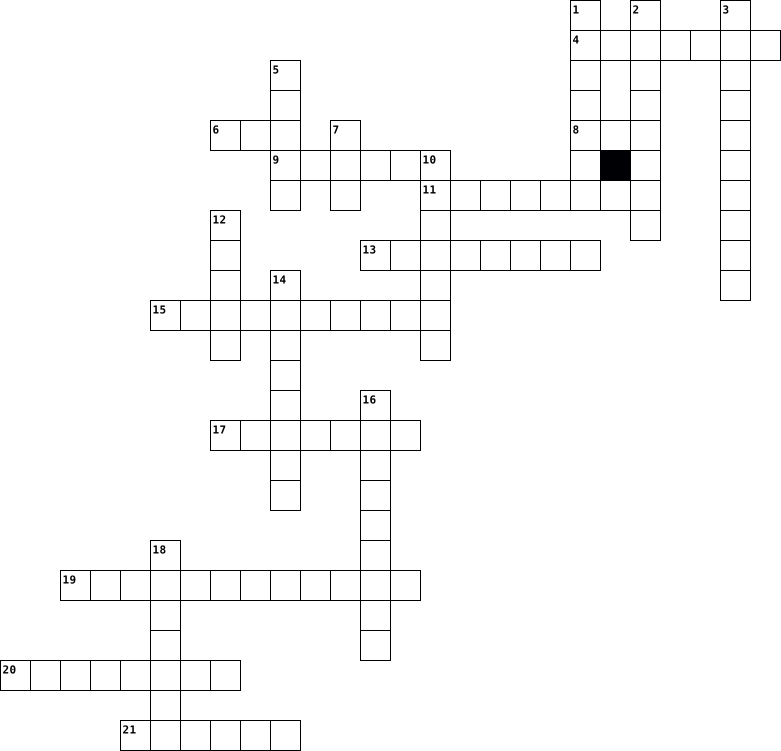
Across
- is an output device
- is a brain 9f computer
- cycle is used in computer
- are used to draw strokes
- saves our time
- saves our data
- is used to record voice
- helps us to take printout
- is used to select colours
- is a machine
- tool remove what ever we donot want on screen
Down
- is used for drawing
- is used for typing
- is used to draw lines
- is a pointing device
- is used to go from one place to another
- is an input device
- show us time
- makes computer games lots more fun
- helps us to take photographs
- display what we type
21 Clues: show us time • is a machine • saves our time • saves our data • is used for typing • is an input device • is used for drawing • is an output device • is a pointing device • display what we type • is used to draw lines • is a brain 9f computer • is used to record voice • are used to draw strokes • cycle is used in computer • helps us to take printout • is used to select colours • ...
Computer 2013-10-14
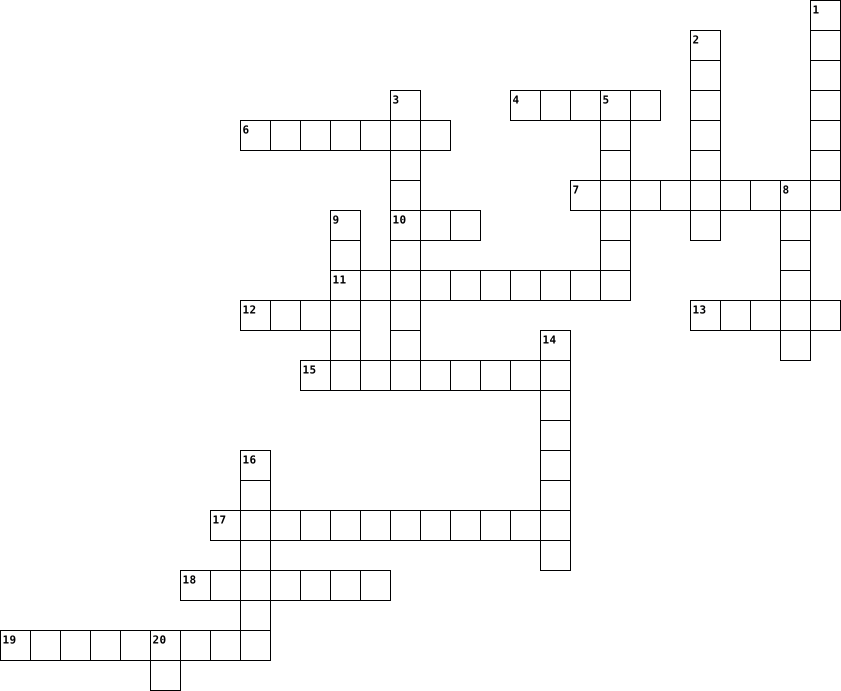
Across
- a hand-operated electronic device that controls the cursor on the screen
- a planner who draws up a personal scheme of action
- a computer hardware that transforms output into input
- a device which accesses short term memory on a computer
- an instrument for converting sound waves
- controller a device used with games or entertainment system
- a device that can be used to insert data into a computer
- a high-capacity, self-contained storage device containing a read-write mechanism plus one or more hard disks
- a laser printer is a common type of computer printer that rapidly produces high quality text and graphics on plain paper
- a device that displays signals on a computer screen
- an object used to project rays of light
Down
- a device that blasts out sound
- a machine for printing text or pictures onto a paper
- a small, flat flash drive used in digital cameras and cell phones
- a piece of computer on which information can be stored
- it transfers the data out of the computer
- a device for photographing visual images
- a panel of keys that operate a computer or typewriter
- a device for examining,reading and monitoring something
- a small plastic disc on which digital information is stored
20 Clues: a device that blasts out sound • an object used to project rays of light • a device for photographing visual images • an instrument for converting sound waves • it transfers the data out of the computer • a planner who draws up a personal scheme of action • a device that displays signals on a computer screen • a machine for printing text or pictures onto a paper • ...
computer 2014-03-17

Across
- de snelheid van processor
- biedt plaats om al je interne hardware te bevestigen.
- brein van de PC en zorgt voor alle rekenwerk.
- met welk randapparaat kun je bestanden selecteren/verslepen
- GHz is de afkorting voor?
- engels woord voor toetsenbord
- zeer krachtige & stabiele computers voor bv.banken
- het meest zichtbare onderdeel van de computer
- is een computerkast
- alle tastbare (fysieke) onderdelen van de computer noemen we...
- wat is zo'n 3Megabyte groot?
Down
- Capaciteit ( = de grootte ) wordt weergegeven in
- hardware en software vormen samen het...
- meeteenheid waarin het scherm gemeten wordt
- centrale computer in een netwerk , voor bv. bestanden op te slaan.
- een randapparaat dat zowel voor invoer als voor uitvoer zorgt
- MHz is de afkorting voor?
- Verbindt alle onderdelen met elkaar ,zodat ze kunnen samenwerken.En bevat verschillende aansluitingen specifiek voor elke type van hardware-onderdeel.
- een draagbare computer
- wat is de afkorting voor Random Access Memory?
20 Clues: is een computerkast • een draagbare computer • de snelheid van processor • MHz is de afkorting voor? • GHz is de afkorting voor? • wat is zo'n 3Megabyte groot? • engels woord voor toetsenbord • hardware en software vormen samen het... • meeteenheid waarin het scherm gemeten wordt • brein van de PC en zorgt voor alle rekenwerk. • het meest zichtbare onderdeel van de computer • ...
Computer 2014-12-20

Across
- / Es la primera maquina inventada de calculo numérico inventada en el siglo XIX
- / Es un tipo de software que el usuario debe pagar para poder usarlo
- / Cual es el programa de office que maneja base de datos
- / Es la compañía que crea el programa Acrobat Reader
- / Es el programa de office que se basa en el manejo de diapositivas
- / Es un conjunto de datos agrupados bajo un mismo nombre
- / Cuando deseamos enviar un archivo por un correo electrónica utilizamos la opción
- / Es el sistema operativo de las tablets
- / Es una suite de programas como word, excel, powerpoint, access, etc.
- / Es un conjunto de programas que controlan el funcionamiento básico de la computadora
- / Es el programa de office para el manejo de diseño gráfico
- / Cual es la última versión de windows en el mercado
- / Es un menú que aparece con el botón derecho del mouse
- / Son los signos usados en internet para expresar ideas
- / Con que otro nombres se le conoce a los circuitos integrados
- / Es un tipo de software que tiene deshabilitadas varias opciones como guardar, imprimir
- / Además de windows, otro ejemplo de sistema operativo
- / Es un tipo de software que no tiene ningun costo para el usuario
- i / Es la primera computadora comercial
- / Es un programa que proteje a la computadora que pueda ser infectada por virus informático
- / Es la agrupación de 1024 kilobytes
- duro / Es el principal periferico de la computadora para almacenar información
- / Es el dispositivo más antiguo para procesar datos, lo utilizaban los chinos para contar
- / Los audifonos es un ejemplo de dispositivos de
- / Es la agrupación de 1024 megabytes
- / Computadora e integradora numérica y electrónica son la siglas de
Down
- / Dispositivo inventado por Blaise Pascal para contar
- / Es el principal componente de las computadoras de la cuarta generación
- / Es un tipo de impresaora muy rapida y que casi no produce ruido al imprimir
- / Es un ejemplo de dispositivo de entrada y salida
- / Correo electrónico no solicitado que se envía a destinatarios con fines publicitarios o comerciales
- / Empresa que crea office y windows
- / primera computadora digital de programa almacenado
- / Es un dispositivo electronico que permite procesar gran cantidad de datos con velocidad
- / Es un programa que permite comprimir archivos
- / Es la memori representada por los discos duros, USB, etc
- / Es aquella parte del nombre del archivo que define la aplicación con que fue hecho dicho archivo
- / Es un periferico que produce en papel lo creado en la computadora
- / Es el medio más usado en la actualidad para el manejo de información a distancia
- / Es un programa que se autoejecuta y se propaga intercambiando copias de si mismo
- / Es la agrupación de 1024 gigabytes
- / Es la red social más usada en la actualidad
- / Es un sistema operativo gráfico basado en iconos y ventanas
- / Es la imagen que representa a un programa en el escritorio
- / Es un ejemplo de antivirus informático
- / Es la agrupación de 1024 bytes
- / Es un área visual, de forma rectangular, que contiene algún tipo de interfaz con el usuario
- / Es un conjunto de componentes lógicos o programas en la computadora
- / Es un tipo de softwae de prueba, normalmente 30 días
49 Clues: / Es la agrupación de 1024 bytes • / Empresa que crea office y windows • / Es la agrupación de 1024 gigabytes • / Es la agrupación de 1024 kilobytes • / Es la agrupación de 1024 megabytes • i / Es la primera computadora comercial • / Es el sistema operativo de las tablets • / Es un ejemplo de antivirus informático • / Es la red social más usada en la actualidad • ...
Computer 2015-05-31

Across
- Helped create the USB
- Helped create the Turing machine
- Created the gigahertz computer processor
- Created the first widely used web browser
- Helped create the first electronic general computer
- Created and expanded the video game industry
- Atanasoff Created the first electronic digital computer
- Created modern style computing
- High level hackers
- Helped create the first programmable computer
Down
- Created the idea of allowing students to use computers as
- Created the integrated circuit
- Helped create the first computer game
- Created the universal processor
- Created the first American electronic computer
- Helped create the first personal computer
- Created the transistor
- Created the BASIC programming language
- Created the idea of playing video games on a TV screen
- Created the first printed circuit board
20 Clues: High level hackers • Helped create the USB • Created the transistor • Created the integrated circuit • Created modern style computing • Created the universal processor • Helped create the Turing machine • Helped create the first computer game • Created the BASIC programming language • Created the first printed circuit board • Created the gigahertz computer processor • ...
computer 2020-02-24
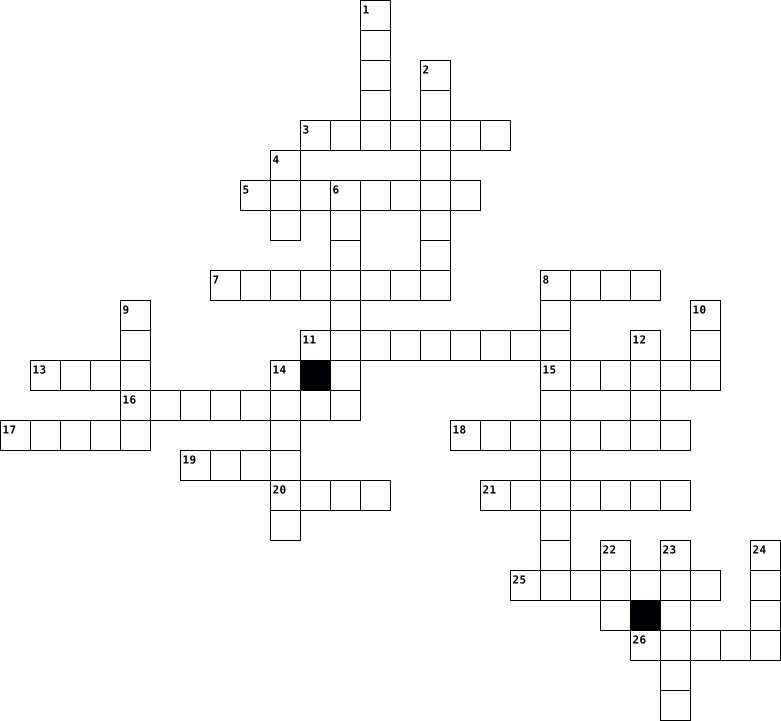
Across
- - This is the screen that appears if you are not browsing the Internet, reading a file, or playing a game. Your icons are on this screen.
- - This is a secret code to protect your data and can keep others from accessing your computer.
- - When you click on an icon, it is a shortcut to a file or program.
- -This is an abbreviation for "sending particularly annoying messages"; it stands for unwanted e-mail.
- - A picture or design on your desktop for decoration.
- and drop - To do this, you click on something and hold the button down. This will move the object you clicked on and will leave it where you let go of the button. So it drags it and drops it.
- - This is simply a way to send a message from one computer to another.
- - This is the first page you see when you open your browser. You can make any page your homepage.
- - This is that small blinking line that shows you where your next typed letter or number will go.
- - This is the process where you copy something from another computer or the Internet, and save it on your computer.
- bar - The bar beside the Start button that shows what programs are open.
- - Anyone using a computer.
- - This is a picture or an image.
- - This is the program you use to browse files. A web browser will browse internet files, like Firefox or Internet Explorer.
- - You have to do this to get access to a computer. You just type in a certain name or code.
Down
- - Software that was written to do bad stuff to your computer.
- - Many computers that are connected like a web so you can see what other computer operators show you and you can show them things as well.
- - This is an abbreviation for Frequently Asked Questions.
- - This is all the instructions for the computer or a program designed to do different things. Examples are: Microsoft Word, Internet Explorer, and Windows.
- - This is a picture that pops up when you are not using your computer.
- click - When you right click on the mouse, you are given a menu of options.
- - The address of documents and resources on the internet.
- - Any information stored by a computer. It can be files, E-mails, video games, songs, pictures, etc.
- - This is an extra copy of a file or document.
- or World Wide Web - Group of internet servers linking computers around the world.
- - This is the data that a computer stores. Long term memory must be saved to the hard drive.
- - This is a small symbol or picture that represents a program or other things.
27 Clues: - Anyone using a computer. • - This is a picture or an image. • - This is an extra copy of a file or document. • - A picture or design on your desktop for decoration. • - This is an abbreviation for Frequently Asked Questions. • - The address of documents and resources on the internet. • - Software that was written to do bad stuff to your computer. • ...
computer 2021-04-12
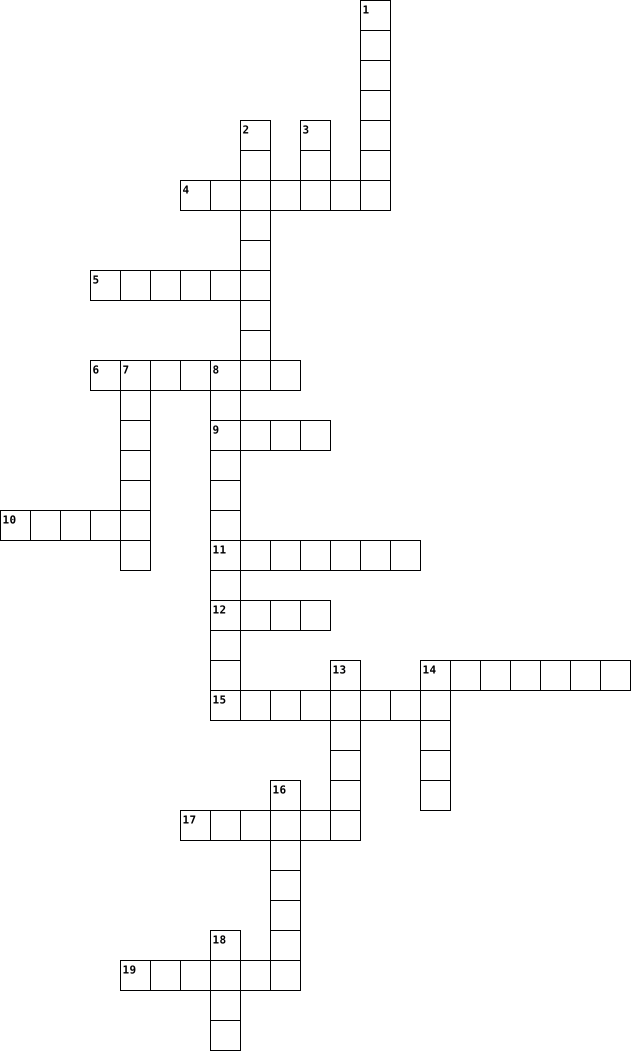
Across
- Frage12
- Frage7
- frage3
- Frage4
- Frage19
- Frage6
- Frage15
- Frage17
- Frage9
- Frage13
- Frage10
Down
- Frage20
- Frage5
- Frage11
- Frage1
- Frage2
- Frage8
- Frage18
- Frage16
- Frage14
20 Clues: Frage5 • Frage7 • frage3 • Frage1 • Frage2 • Frage4 • Frage6 • Frage8 • Frage9 • Frage20 • Frage11 • Frage12 • Frage19 • Frage15 • Frage17 • Frage18 • Frage16 • Frage13 • Frage14 • Frage10
computer 2021-04-12
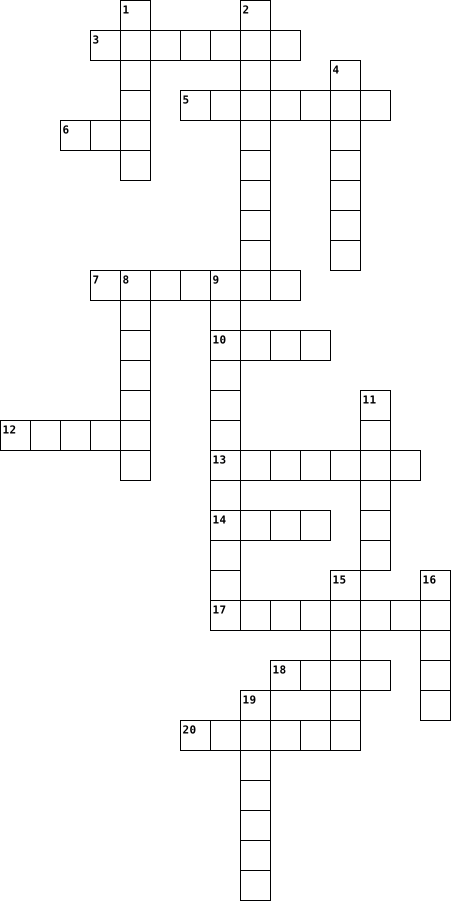
Across
- Frage16
- Frage12
- Frage11
- Frage3
- Frage4
- Frage19
- Frage6
- Frage15
- Frage9
- Frage14
- Frage13
Down
- Frage10
- Frage5
- Frage20
- Frage1
- Frage2
- Frage7
- Frage8
- Frage18
- Frage17
20 Clues: Frage5 • Frage3 • Frage1 • Frage2 • Frage4 • Frage7 • Frage6 • Frage8 • Frage9 • Frage10 • Frage16 • Frage20 • Frage12 • Frage11 • Frage19 • Frage15 • Frage18 • Frage14 • Frage17 • Frage13
computer 2021-04-12
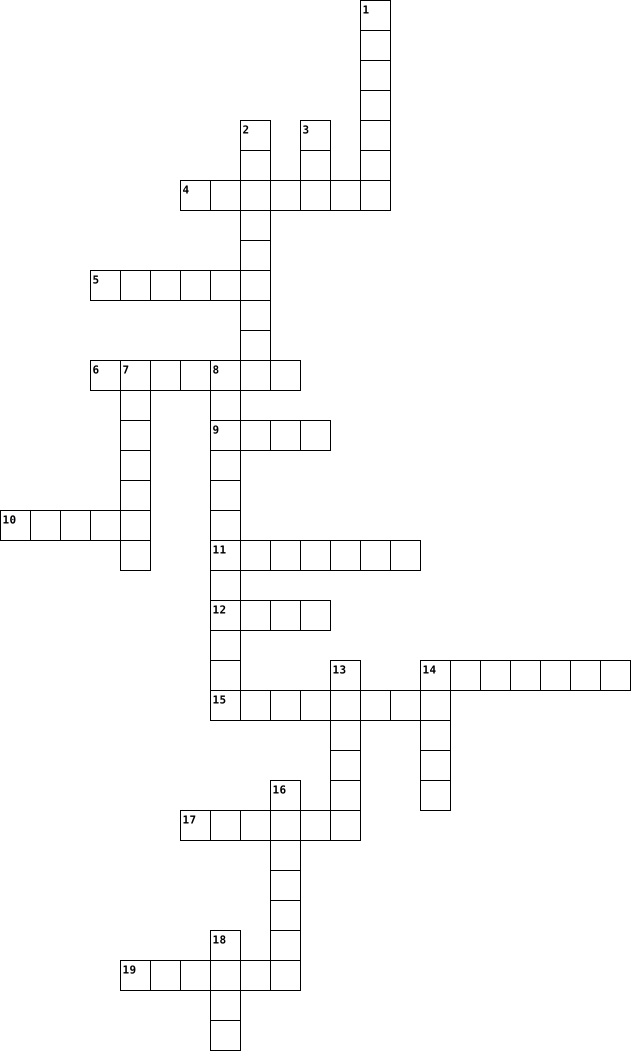
Across
- Frage12
- Frage7
- frage3
- Frage4
- Frage19
- Frage6
- Frage15
- Frage17
- Frage9
- Frage13
- Frage10
Down
- Frage20
- Frage5
- Frage11
- Frage1
- Frage2
- Frage8
- Frage18
- Frage16
- Frage14
20 Clues: Frage5 • Frage7 • frage3 • Frage1 • Frage2 • Frage4 • Frage6 • Frage8 • Frage9 • Frage20 • Frage11 • Frage12 • Frage19 • Frage15 • Frage17 • Frage18 • Frage16 • Frage13 • Frage14 • Frage10
computer 2021-04-12
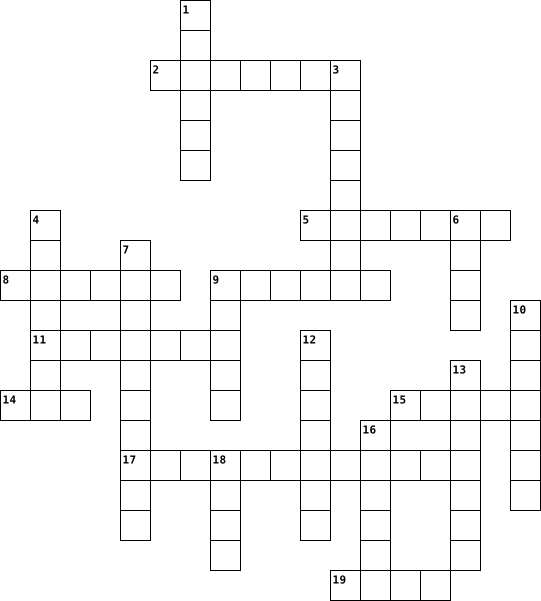
Across
- Frage16
- Frage1
- Frage10
- Frage7
- Frage6
- Frage11
- Frage18
- Frage2
- Frage4
Down
- Frage8
- Frage9
- Frage17
- Frage14
- Frage5
- Frage19
- Frage12
- Frage3
- Frage20
- Frage13
- Frage15
20 Clues: Frage8 • Frage9 • Frage1 • Frage5 • Frage7 • Frage6 • Frage3 • Frage2 • Frage4 • Frage16 • Frage17 • Frage14 • Frage10 • Frage19 • Frage12 • Frage20 • Frage11 • Frage18 • Frage13 • Frage15
COMPUTER 2021-04-08
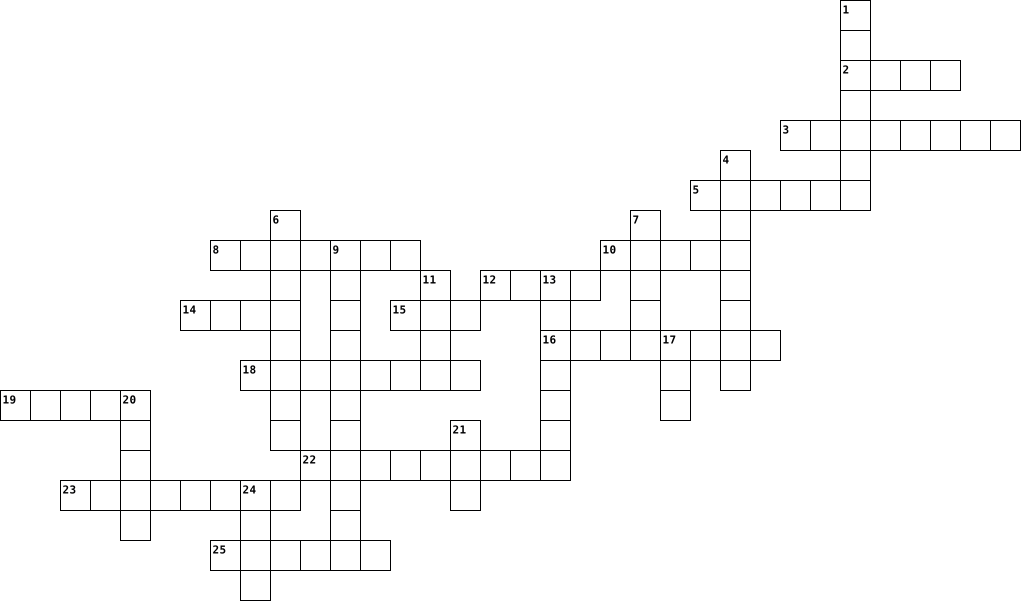
Across
- Abbreviation for "Sending Particularly Annoying Messages;" unwanted emails .
- Where many computers are connected like a web; gives users the ability to see/share information back and forth.
- An extra copy of a file or document.
- Used to browse Internet files (Firefox, Internet Explorer, etc.)
- Software that was written to do bad stuff to your computer.
- Any information stored by a computer (such as files, emails, songs, etc.).
- A small symbolic picture that represents a program or other things.
- The address of documents and resources on the Internet.
- This is all the instructions for the computer or a program designed to do different things (such as Microsoft Word, Internet Explorer, and Windows).
- Refers to the first page you see when you open your browser.
- Used as a simple way to send messages from one person to another.
- A picture or design on your desktop for decoration.
- When you click on an icon, it is considered a _____________ to a file or program.
- Data that a computer stores.
Down
- The screen that appears if you are not browsing the Internet; your favorite/most used icons are usually located there.
- A secret code to protect your data and keep others from accessing your computer.
- The process where you copy something from another computer or the Internet and save it on your computer.
- When you _______ click, you are given a menu of options to perform.
- A picture that pops up when you are not using your computer.
- ___________ and Drop, feature used when you want to move an object.
- The bar located at the bottom of your window, that shows what programs are open.
- or World Wide Web, a group of Internet servers linking computers around the world.
- You have to do this to get access to a computer by typing in a certain name or code).
- An abbreviation for "Frequently Asked Questions."
- Anyone using a computer
25 Clues: Anyone using a computer • Data that a computer stores. • An extra copy of a file or document. • An abbreviation for "Frequently Asked Questions." • A picture or design on your desktop for decoration. • The address of documents and resources on the Internet. • Software that was written to do bad stuff to your computer. • ...
Computer 2022-04-27

Across
- terabyte
- appliance
- petabyte
- microprocessor
- device
- laptop
- slate
- device
- workstation
- micro
- tablet
- megabyte
- gigabyte
- multiprocessor
- supercomputer
Down
- zettabyte
- desktop
- kilobyte
- notepad
- byte
- personal computer
- notebook
- internet
- computer
- pc
- mainframe
- netbook
- handheld
- microprocessor
- mobile
- exabyte
- yottabyte
32 Clues: pc • byte • slate • micro • device • laptop • device • mobile • tablet • desktop • notepad • netbook • exabyte • terabyte • kilobyte • petabyte • notebook • internet • computer • handheld • megabyte • gigabyte • zettabyte • appliance • mainframe • yottabyte • workstation • supercomputer • microprocessor • microprocessor • multiprocessor • personal computer
Computer 2022-10-18
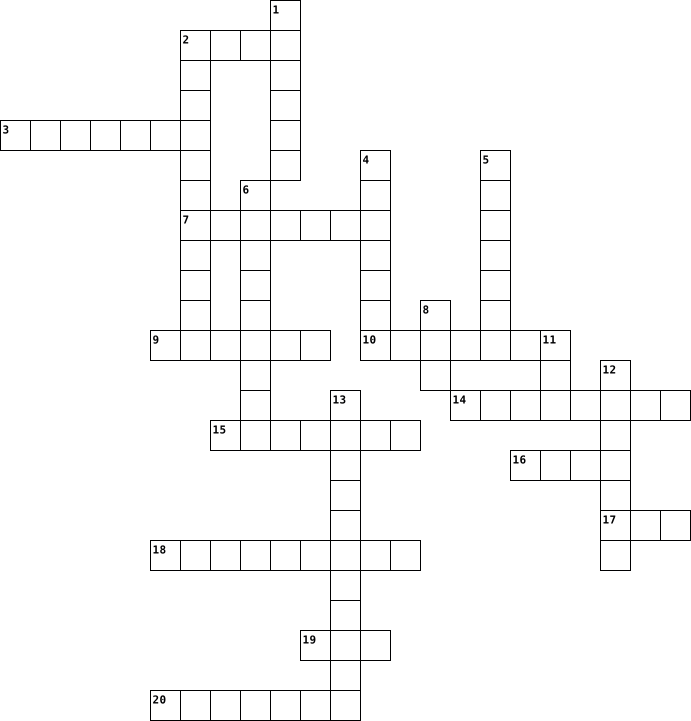
Across
- Ctrl + S
- can search for and watch videos
- father of computer
- Ctrl + I
- allows the computer to read graphics
- it protects your computer
- Two or more computers connected to each other
- Ctrl + B
- wide area network
- most used app in the world
- local area network
- an OS with a small budget
Down
- can speed up your computer
- Ctrl + .
- ways to clean a computer
- Ctrl + R
- ways you can access the internet
- short term memory
- performs calculations
- commonly used operating system
- Main circuit in a computer
21 Clues: Ctrl + S • Ctrl + . • Ctrl + R • Ctrl + I • Ctrl + B • short term memory • wide area network • father of computer • local area network • performs calculations • ways to clean a computer • it protects your computer • an OS with a small budget • can speed up your computer • Main circuit in a computer • most used app in the world • commonly used operating system • can search for and watch videos • ...
Computer 2022-11-24
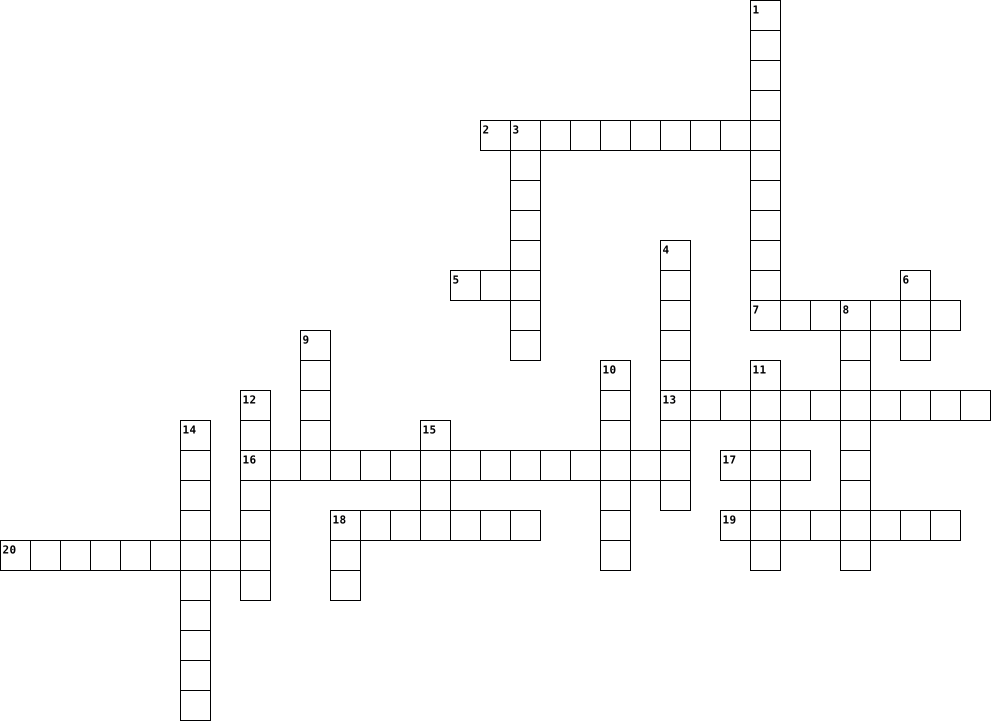
Across
- a device that translates sound vibrations in the air into electronic signals and scribes them to a recording medium or over a loudspeaker
- the technology that connects your offices, data centers, cloud applications, and cloud storage together
- a device with a screen that shows a rendered electronic image
- accelerate graphics rendering
- which allow for easy use of a computer's processing power, as well as applications
- short term memory where data is stored as the processor needs it
- a piece of data from a website that is stored within a web browser that the website can retrieve at a later time
- for putting information including letters, words and numbers into your computer
- a type of data storage device that is used in laptops and desktop computers
Down
- the circuit board that connects all of your hardware to your processor
- a worldwide system of computer networks
- an electronic game in which players control images on a video screen
- consists of a series of computers linked together to form a network in a circumscribed location
- tell everything from your graphics processing unit (GPU) to your disk drives and screens what to do
- a small, movable device that lets you control a range of things on a computer
- managing traffic between these networks by forwarding data packets to their intended IP addresses, and allowing multiple devices to use the same Internet connection
- to offer audio output for the listener
- program that provides a way to look at and interact with all the information on the World Wide Web
- circulates air through the radiator so it can release engine heat into the surrounding air
- an item like a word or button that points to another location
- electronic machinery that carries out instructions from programs that allows a computer or other device to perform its tasks
21 Clues: accelerate graphics rendering • to offer audio output for the listener • a worldwide system of computer networks • a device with a screen that shows a rendered electronic image • an item like a word or button that points to another location • short term memory where data is stored as the processor needs it • ...
Computer 2016-12-28
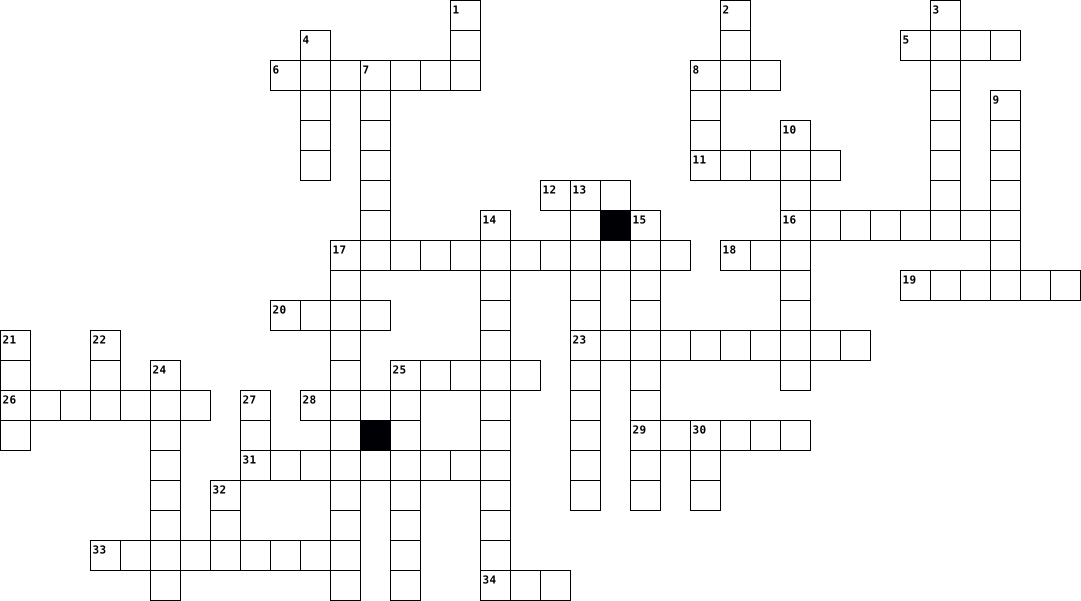
Across
- Eingabegerät
- Betriebssystem
- kleinste Speichereinheit
- hatte 18000 Röhren
- vgl. Bild 1
- versorgt den Computer mit Strom
- vgl. Bild 5
- universal serial bus
- dient dem Lesen von DVD's
- Erbauer der Z1
- Gerät für Tonausgabe
- Farbmittel für Laserdrucker
- Bildausgabe
- Schnittstelle für Festplatten
- Computerpionier und Kryptoanalytiker
- transportables Speichermedium
- verarbeitet Befehle
- Local Area Network
Down
- transportiert Daten
- Schnittstelle für PC-Karten
- versorgt BIOS-Chip mit Energie
- freies Betriebssystem
- dient der Ausgabe auf Papier
- 8 bit
- schützt Prozessor vor Überhitzung
- Hauptplatine
- vgl. Bild 6
- vgl. Bild 5
- dient der Datenspeicherung
- vgl. Bild 4
- vgl. Bild 3
- vgl. Bild 2
- Laptop
- Eingabegerät
- Prozessor
- Arbeitsspeicher
- alte Festplatten-Schnittstelle
37 Clues: 8 bit • Laptop • Prozessor • vgl. Bild 1 • vgl. Bild 6 • vgl. Bild 5 • vgl. Bild 5 • vgl. Bild 4 • vgl. Bild 3 • vgl. Bild 2 • Bildausgabe • Eingabegerät • Hauptplatine • Eingabegerät • Betriebssystem • Erbauer der Z1 • Arbeitsspeicher • hatte 18000 Röhren • Local Area Network • transportiert Daten • verarbeitet Befehle • universal serial bus • Gerät für Tonausgabe • freies Betriebssystem • kleinste Speichereinheit • ...
Computer 2023-11-15
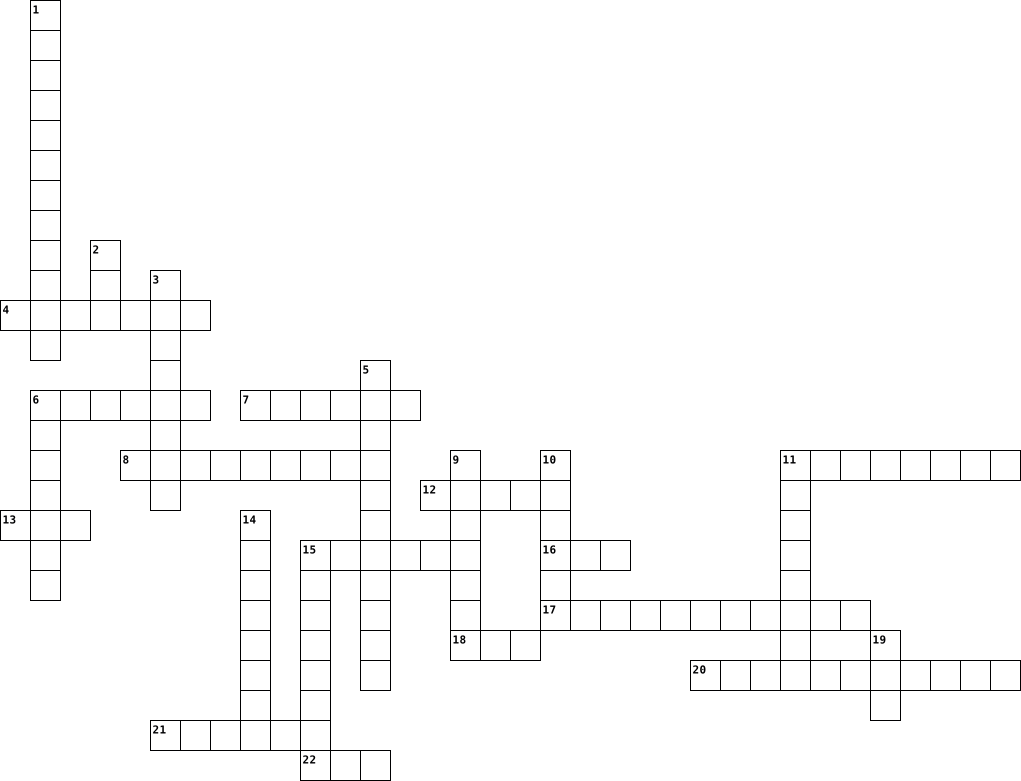
Across
- a piece of equipment worn on the head that allows someone to hear sound when using a phone, music, or computer system.
- an anti-virus or anti-malware software product founded by Peter Norton
- a software product used to archive, compress and encrypt files in a variety of archive formats for more efficient storage and distribution.
- It projects images from a Blu-ray player or computer and presents ideas on the projection screen
- a type of proprietary software that is released without charge to the public.
- a small device that a computer user pushes across a desk surface in order to point to a place on a display screen and to select one or more actions to take from that position.
- a specialized processor originally designed to accelerate graphics rendering.
- is a web browser developed by Apple Inc. and included in Mac OS X. It was first released as a public beta in January 2003.
- the primary component of a computer that acts as its “control center.”
- an electronic circuit board in a computer which interconnects hardware devices attached to it — which is to say, all of the
- acronym that stands for random-access memory.
- is a computer application for computation, organization, analysis and storage of data in tabular form.
- a trialware file archiver utility for Windows, developed by Eugene Roshal of win.rar GmbH.
- a storage device containing nonvolatile flash memory, used in place of a hard disk because of its much greater speed.
Down
- Malwarebytes Anti-Malware, abbreviated as MBAM) is an anti-malware software for Microsoft Windows, macOS, ChromeOS, Android, and iOS that finds and removes malware.
- the hardware component that stores all of your digital content
- an input device used to enter characters and functions into the computer system by pressing buttons, or keys
- is a powerful and free office suite, a successor to OpenOffice(.org), used by millions of people around the world.
- a text editor, i.e., an app specialized in editing plain text.
- an output device that displays information being processed in a computer.
- is a combination of "Web" and "video camera."
- is a specific class of computer software that provides the low-level control for a device's specific hardware.
- developed by Piriform Software, is a utility used to clean potentially unwanted files and invalid Windows Registry entries from a computer.
- a piece of output gear that connects to a computer to produce sound
- commonly used for storage, data backup, and transferring files between devices.
25 Clues: is a combination of "Web" and "video camera." • acronym that stands for random-access memory. • the hardware component that stores all of your digital content • a text editor, i.e., an app specialized in editing plain text. • a piece of output gear that connects to a computer to produce sound • ...
Computer 2023-11-15
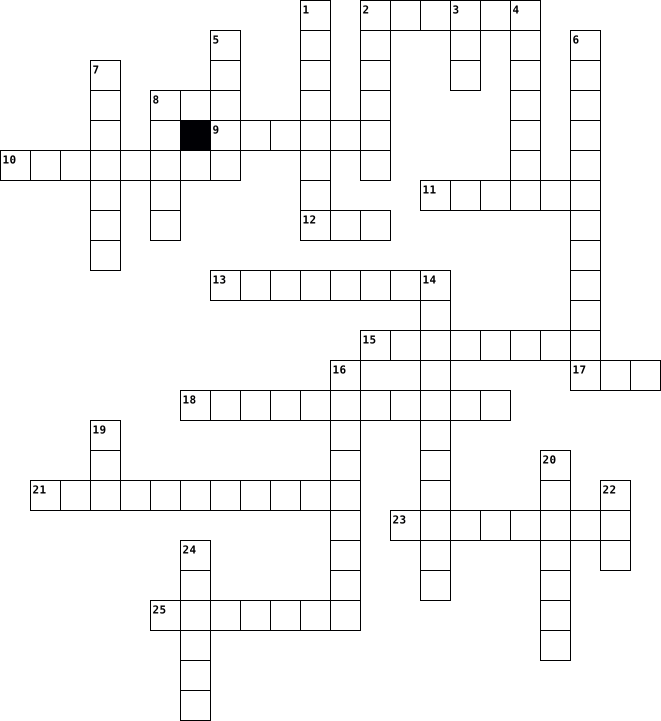
Across
- is a combination of "Web" and "video camera."
- a specialized processor originally designed to accelerate graphics rendering.
- is a web browser developed by Apple Inc. and included in Mac OS X. It was first released as a public beta in January 2003.
- a type of proprietary software that is released without charge to the public.
- a trialware file archiver utility for Windows, developed by Eugene Roshal of win.rar GmbH.
- acronym that stands for random-access memory.
- a piece of output gear that connects to a computer to produce sound.
- is a specific class of computer software that provides the low-level control for a device's specific hardware.
- a storage device containing nonvolatile flash memory, used in place of a hard disk because of its much greater speed.
- the main printed circuit board (PCB) in a computer.
- is a powerful and free office suite, a successor to OpenOffice(.org), used by millions of people around the world.
- an input device used to enter characters and functions into the computer system by pressing buttons, or keys.
- a device that accepts text and graphic output from a computer and transfers the information to paper.
Down
- developed by Piriform Software, is a utility used to clean potentially unwanted files and invalid Windows Registry entries from a computer.
- a software product used to archive, compress and encrypt files in a variety of archive formats for more efficient storage and distribution.
- the primary component of a computer that acts as its “control center.”
- an output device that displays information being processed in a computer.
- a small device that a computer user pushes across a desk surface in order to point to a place on a display screen and to select one or more actions to take from that position.
- Malwarebytes Anti-Malware, abbreviated as MBAM) is an anti-malware software for Microsoft Windows, macOS, ChromeOS, Android, and iOS that finds and removes malware.
- a text editor, i.e., an app specialized in editing plain text.
- an abbreviation for Google Mail.
- is a computer application for computation, organization, analysis and storage of data in tabular form.
- It projects images from a Blu-ray player or computer and presents ideas on the projection screen.
- commonly used for storage, data backup, and transferring files between devices.
- a piece of equipment worn on the head that allows someone to hear sound when using a phone, music, or computer system.
- the hardware component that stores all of your digital content.
- an anti-virus or anti-malware software product founded by Peter Norton
27 Clues: an abbreviation for Google Mail. • is a combination of "Web" and "video camera." • acronym that stands for random-access memory. • the main printed circuit board (PCB) in a computer. • a text editor, i.e., an app specialized in editing plain text. • the hardware component that stores all of your digital content. • ...
Computer 2023-11-15
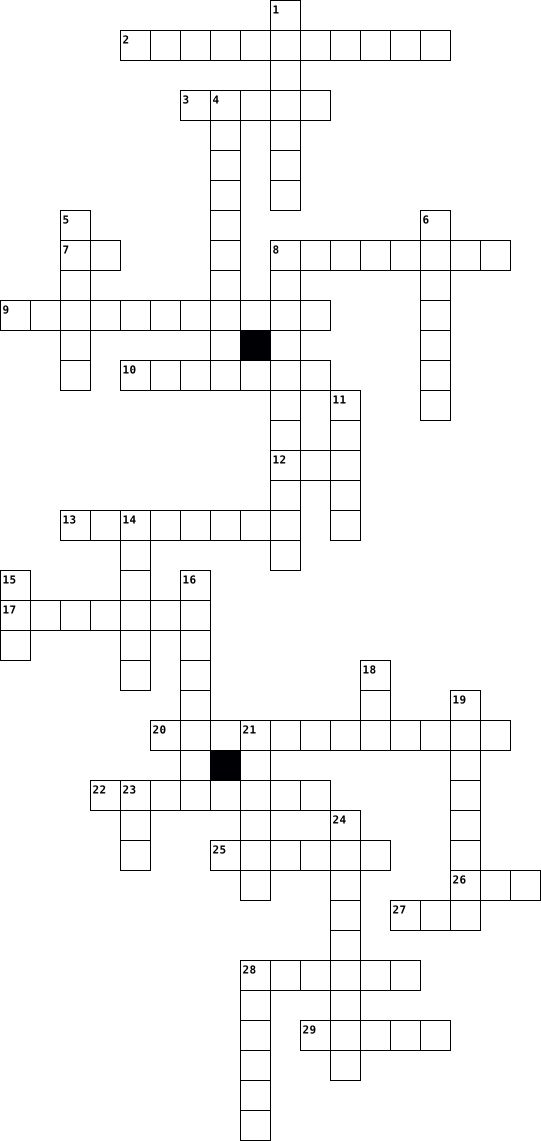
Across
- is a powerful and free office suite, a successor to OpenOffice(.org), used by millions of people around the world.
- an abbreviation for Google Mail.
- manages all of the other application programs in a computer.
- a piece of output gear that connects to a computer to produce sound.
- the main printed circuit board (PCB) in a computer.
- a text editor, i.e., an app specialized in editing plain text.
- the hardware component that stores all of your digital content.
- is a specific class of computer software that provides the low-level control for a device's specific hardware.
- a device that accepts text and graphic output from a computer and transfers the information to paper.
- Malwarebytes Anti-Malware, abbreviated as MBAM) is an anti-malware software for Microsoft Windows, macOS, ChromeOS, Android, and iOS that finds and removes malware.
- developed by Piriform Software, is a utility used to clean potentially unwanted files and invalid Windows Registry entries from a computer.
- is a web browser developed by Apple Inc. and included in Mac OS X. It was first released as a public beta in January 2003.
- acronym that stands for random-access memory.
- a storage device containing nonvolatile flash memory, used in place of a hard disk because of its much greater speed.
- is a combination of "Web" and "video camera."
- a small device that a computer user pushes across a desk surface in order to point to a place on a display screen and to select one or more actions to take from that position.
Down
- an output device that displays information being processed in a computer.
- convert the audio sound waves into electrical signals.
- an anti-virus or anti-malware software product founded by Peter Norton
- a piece of equipment worn on the head that allows someone to hear sound when using a phone, music, or computer system.
- is a computer application for computation, organization, analysis and storage of data in tabular form.
- stands for "modulator-demodulator,".
- is a device that provides Wi-Fi and is typically connected to a modem.
- a specialized processor originally designed to accelerate graphics rendering.
- a type of proprietary software that is released without charge to the public.
- commonly used for storage, data backup, and transferring files between devices.
- an input device used to enter characters and functions into the computer system by pressing buttons, or keys.
- a trialware file archiver utility for Windows, developed by Eugene Roshal of win.rar GmbH.
- the primary component of a computer that acts as its “control center.”
- It projects images from a Blu-ray player or computer and presents ideas on the projection screen.
- a software product used to archive, compress and encrypt files in a variety of archive formats for more efficient storage and distribution.
31 Clues: an abbreviation for Google Mail. • stands for "modulator-demodulator,". • acronym that stands for random-access memory. • is a combination of "Web" and "video camera." • the main printed circuit board (PCB) in a computer. • convert the audio sound waves into electrical signals. • manages all of the other application programs in a computer. • ...
Computer 2023-11-15

Across
- developed by Piriform Software, is a utility used to clean potentially unwanted files and invalid Windows Registry entries from a computer.
- acronym that stands for random-access memory.
- a storage device containing nonvolatile flash memory, used in place of a hard disk because of its much greater speed.
- is a specific class of computer software that provides the low-level control for a device's specific hardware.
- is a computer application for computation, organization, analysis and storage of data in tabular form.
- is a powerful and free office suite, a successor to OpenOffice(.org), used by millions of people around the world.
- is a web browser developed by Apple Inc. and included in Mac OS X. It was first released as a public beta in January 2003.
- a type of proprietary software that is released without charge to the public.
- the primary component of a computer that acts as its “control center.”
- an anti-virus or anti-malware software product founded by Peter Norton
- s a device that provides Wi-Fi and is typically connected to a modem.
- a small device that a computer user pushes across a desk surface in order to point to a place on a display screen and to select one or more actions to take from that position.
- an abbreviation for Google Mail.
- is a combination of "Web" and "video camera."
Down
- a device that accepts text and graphic output from a computer and transfers the information to paper.
- a text editor, i.e., an app specialized in editing plain text.
- a trialware file archiver utility for Windows, developed by Eugene Roshal of win.rar GmbH.
- the main printed circuit board (PCB) in a computer.
- a piece of output gear that connects to a computer to produce sound.
- a piece of equipment worn on the head that allows someone to hear sound when using a phone, music, or computer system.
- an input device used to enter characters and functions into the computer system by pressing buttons, or keys.
- a specialized processor originally designed to accelerate graphics rendering.
- manages all of the other application programs in a computer.
- an output device that displays information being processed in a computer.
- the hardware component that stores all of your digital content.
- convert the audio sound waves into electrical signals.
- a software product used to archive, compress and encrypt files in a variety of archive formats for more efficient storage and distribution.
- It projects images from a Blu-ray player or computer and presents ideas on the projection screen.
- Malwarebytes Anti-Malware, abbreviated as MBAM) is an anti-malware software for Microsoft Windows, macOS, ChromeOS, Android, and iOS that finds and removes malware.
- commonly used for storage, data backup, and transferring files between devices.
30 Clues: an abbreviation for Google Mail. • acronym that stands for random-access memory. • is a combination of "Web" and "video camera." • the main printed circuit board (PCB) in a computer. • convert the audio sound waves into electrical signals. • manages all of the other application programs in a computer. • a text editor, i.e., an app specialized in editing plain text. • ...
computer 2024-01-25
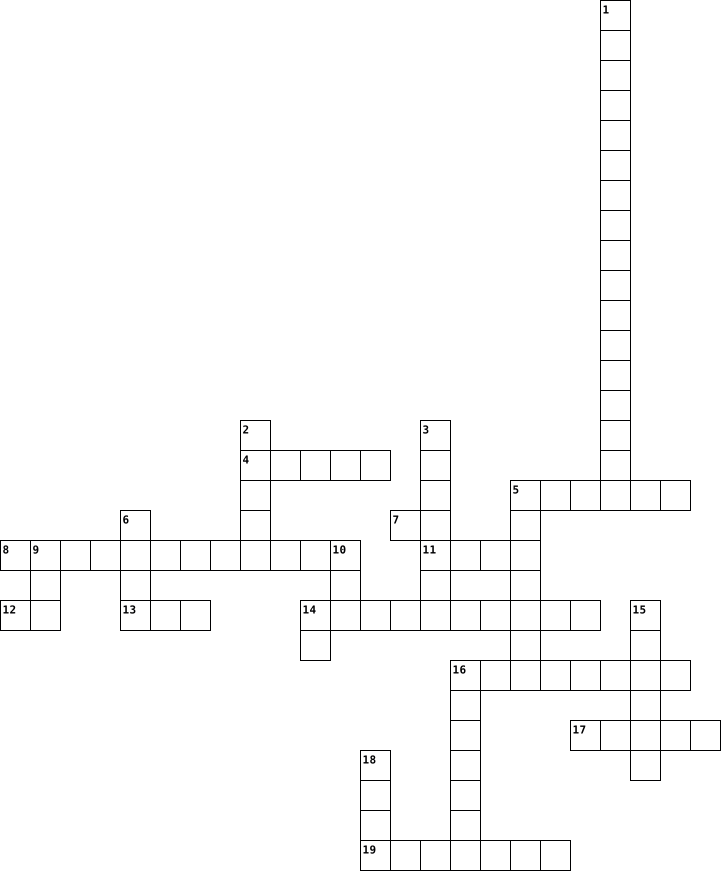
Across
- Sistema operativo gratuito.
- E' in comune tra RAM e ROM.
- Memoria di massa che può essere interna o esterna.
- Lo sono i sistemi che permettono di eseguire più programmi contemporaneamente.
- Movimento/filosofia che prevede la condivisione dei codici sorgenti: ... source.
- Biene dopo il MB.
- Memoria di massa che è l'evoluzione degli hard disk.
- Sistema che permette di scrivere e leggere dati sulla memoria di massa.
- Il codice di un programma prima di essere compilato o interpretato.
- Unità di misura per indicare la velocità del processore.
- Il sistema operativo più utilizzato a scuola.
Down
- Due alla dieci.
- Circuito che tiene il ritmo nel computer.
- Sistema operativo di Bill.
- Dispositivo di output composto da pixel.
- Sistema di base per il controllo dell'input deputato inoltre al caricamento del sistema operativo nella memoria principale.
- Acronimo utilizzato per indicare le porte Universal Serial Bus.
- Sistema grafico che permette all'utente di interagire con un programma o un sistema operativo.
- 255 in base 16.
- Chi crea un'opera intellettuale.
- Periferica di input che serveper acquisire documenti cartacei.
- Definisce ciò che l'utente finale può e non può fare con il software.
22 Clues: Due alla dieci. • 255 in base 16. • Biene dopo il MB. • Sistema operativo di Bill. • Sistema operativo gratuito. • E' in comune tra RAM e ROM. • Chi crea un'opera intellettuale. • Dispositivo di output composto da pixel. • Circuito che tiene il ritmo nel computer. • Il sistema operativo più utilizzato a scuola. • Memoria di massa che può essere interna o esterna. • ...
Computer 2024-05-13

Across
- bloggare
- giocare
- navigare
- scaricare
- disegnare
- fare i compiti
- chiamare
- studiare
- cercare
- caricare
Down
- vedere video
- conoscersi
- ascoltare
- inviare
- leggere
- comprare
- mandare una E-Mail
- messaggiare
- fare foto
- lavorare
20 Clues: giocare • inviare • leggere • cercare • bloggare • navigare • comprare • lavorare • chiamare • studiare • caricare • ascoltare • scaricare • disegnare • fare foto • conoscersi • messaggiare • vedere video • fare i compiti • mandare una E-Mail
computer 2026-02-24

Across
- New option is found in ....menu
- A program that helps you in drawing and colouring
- Shrink in Looks block helps.. size of character
- I am used in mobile phone to store data
- Device which will help your friend if he wants to transfer data from one computer to another computer
- Shortcut key to select the entire document
- The small blinking line on the document area which tells the positon of typed text
- Shortcut key to save a document
- The block which helps us to change the size of character
- Using a keyboard to write letters and words
- A computer works on the cycle
- Devices that helps us to get the result
Down
- Hop block is available under .. category
- Full form of CPU
- Large white space to type the text
- Ctrl+O is used to .... an existing document
- An application software that helps you type text on a computer
- The ribbon contains two parts
- I am inside the CPU ad store huge amount of data
- Options available in the quick access tool bar
- group Triangle shape is available in
- Shortcut key to print a document
- Three tabs in MS Paint
- Brush is available under ... group
- Keyboard is an .... device
25 Clues: Full form of CPU • Three tabs in MS Paint • Keyboard is an .... device • The ribbon contains two parts • A computer works on the cycle • New option is found in ....menu • Shortcut key to save a document • Shortcut key to print a document • Large white space to type the text • Brush is available under ... group • group Triangle shape is available in • ...
Computer 2025-01-08

Across
- A way to quickly access a favorite website by saving it in your browser.
- An animated faces that express different emotions.
- Refers to now being connected to the internet.
- To leave a message on a newsgroup or bulletin board.
- usually defines as a personal or noncommercial website that uses a dated log format.
- A computer program that can destroy files or make your computer crash.
- This is where all of the messages that you send are kept.
- This is a file that has been added to an e-mail.
- A network of millions of computers from all over the world.
- It is a series of letters and numbers that identify a location.
- A private network inside a company or an organization.
Down
- Another way to describe having access to the internet or actively using the internet.
- A program that allows users to view web pages.
- The act of moving from page to page and website to website online.
- A collection of "pages" or files linked together and available on the World Wide Web
- Small pictures that represent the program on your computer.
- A person responsible for administering a website.
- A request for information about a certain topic.
- A real-time communication over the internet.
- to search for information on the web in a random, non-linear way.
20 Clues: A real-time communication over the internet. • A program that allows users to view web pages. • Refers to now being connected to the internet. • A request for information about a certain topic. • This is a file that has been added to an e-mail. • A person responsible for administering a website. • An animated faces that express different emotions. • ...